Automate the quotes, lists and labels. Keep the craft.
Quotes from drawings, parts and cutting lists, print orders, object labels, translations, loan files. If your team retypes the same information from the design into spreadsheets, workshop sheets and label files for every stand or exhibition, we automate it — with software and AI built around the tools you already use.
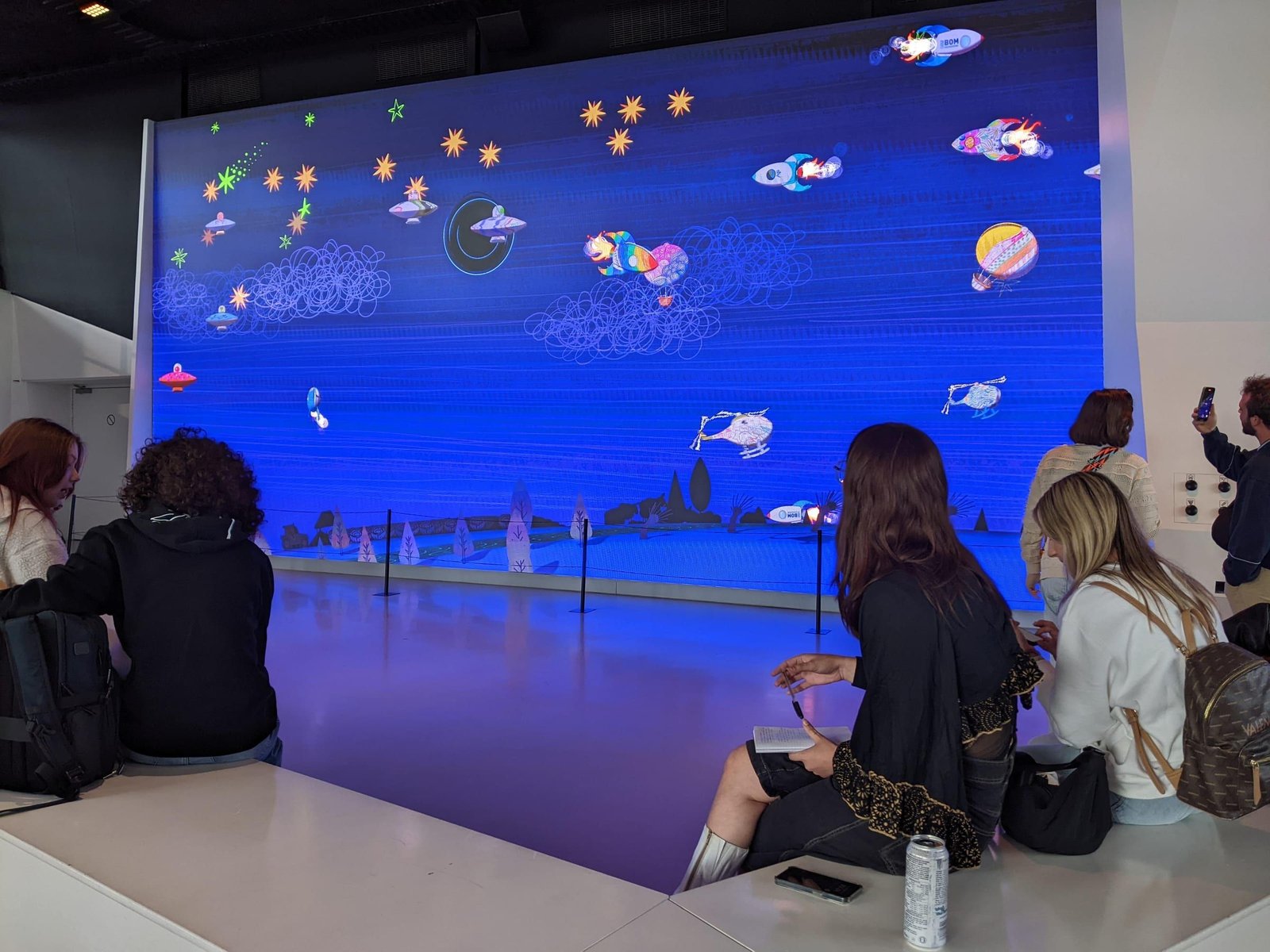
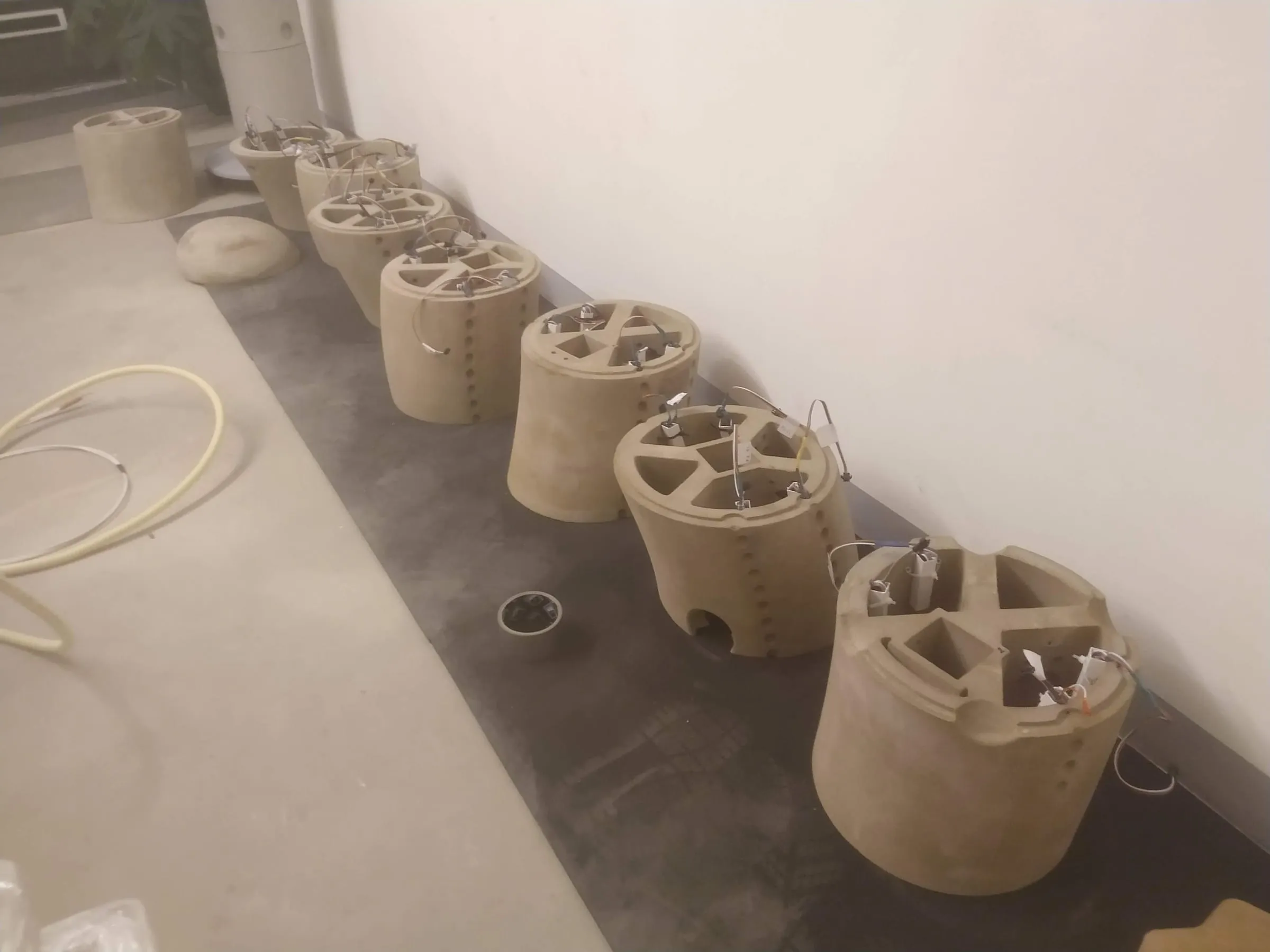
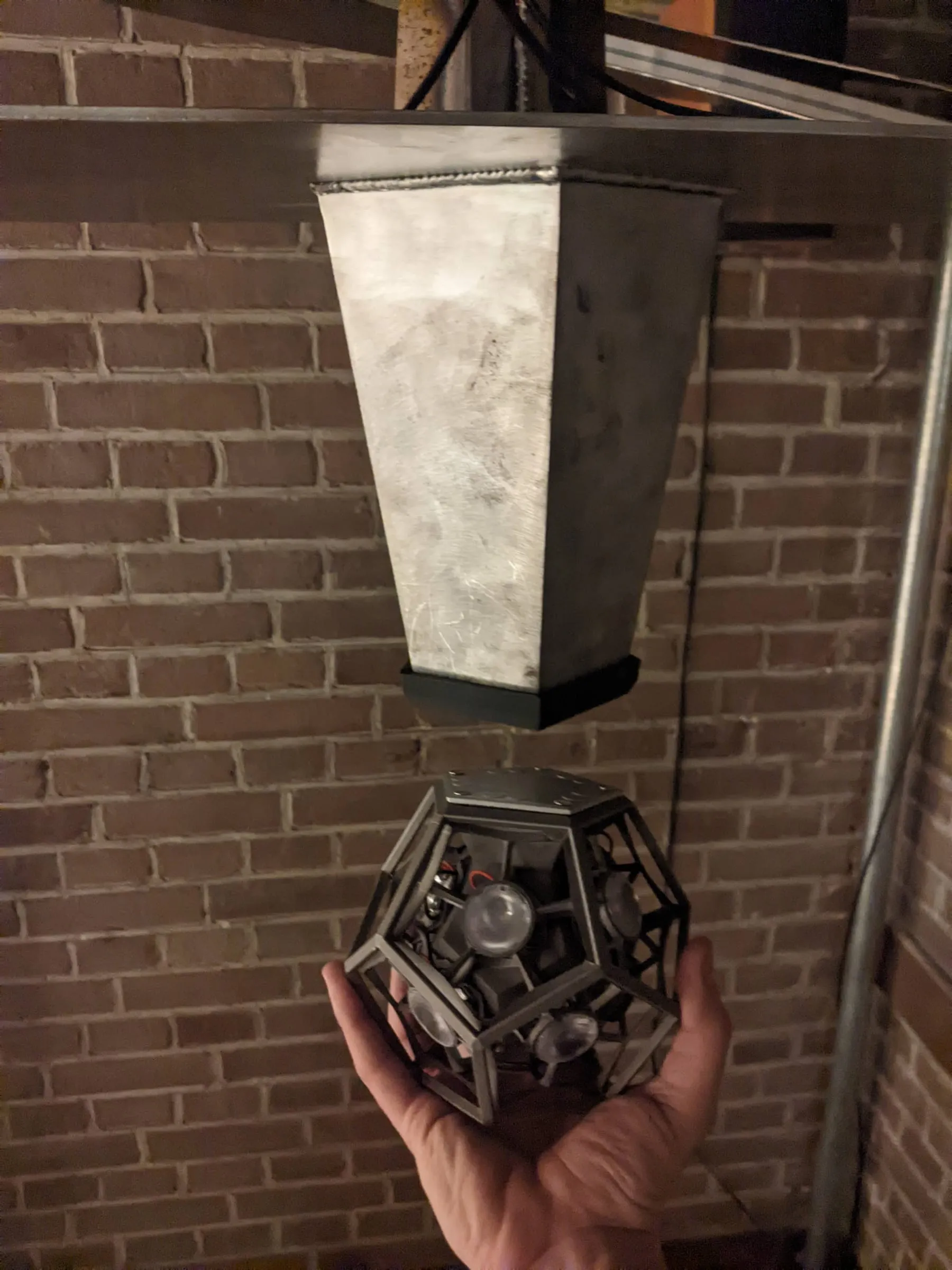
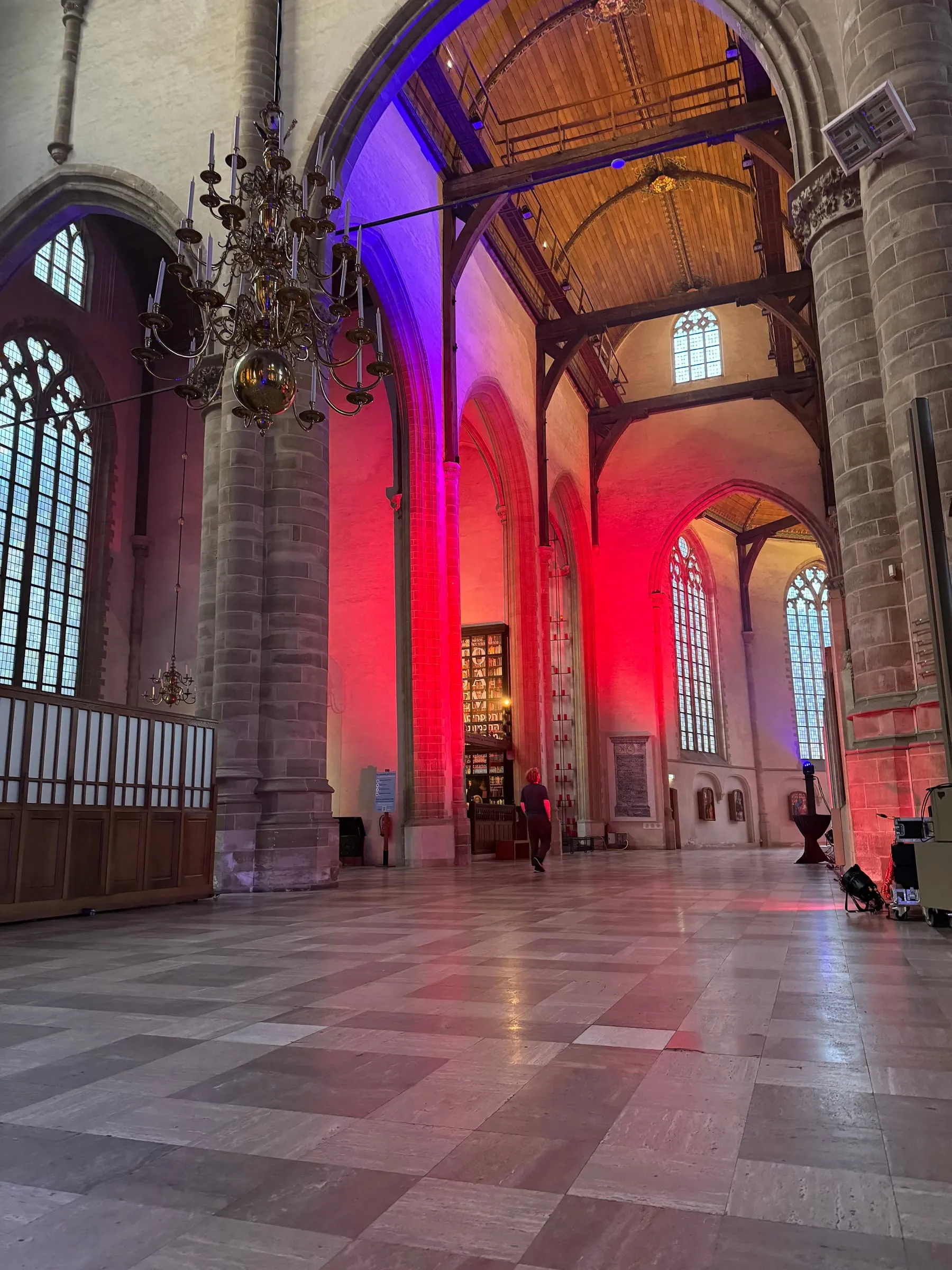
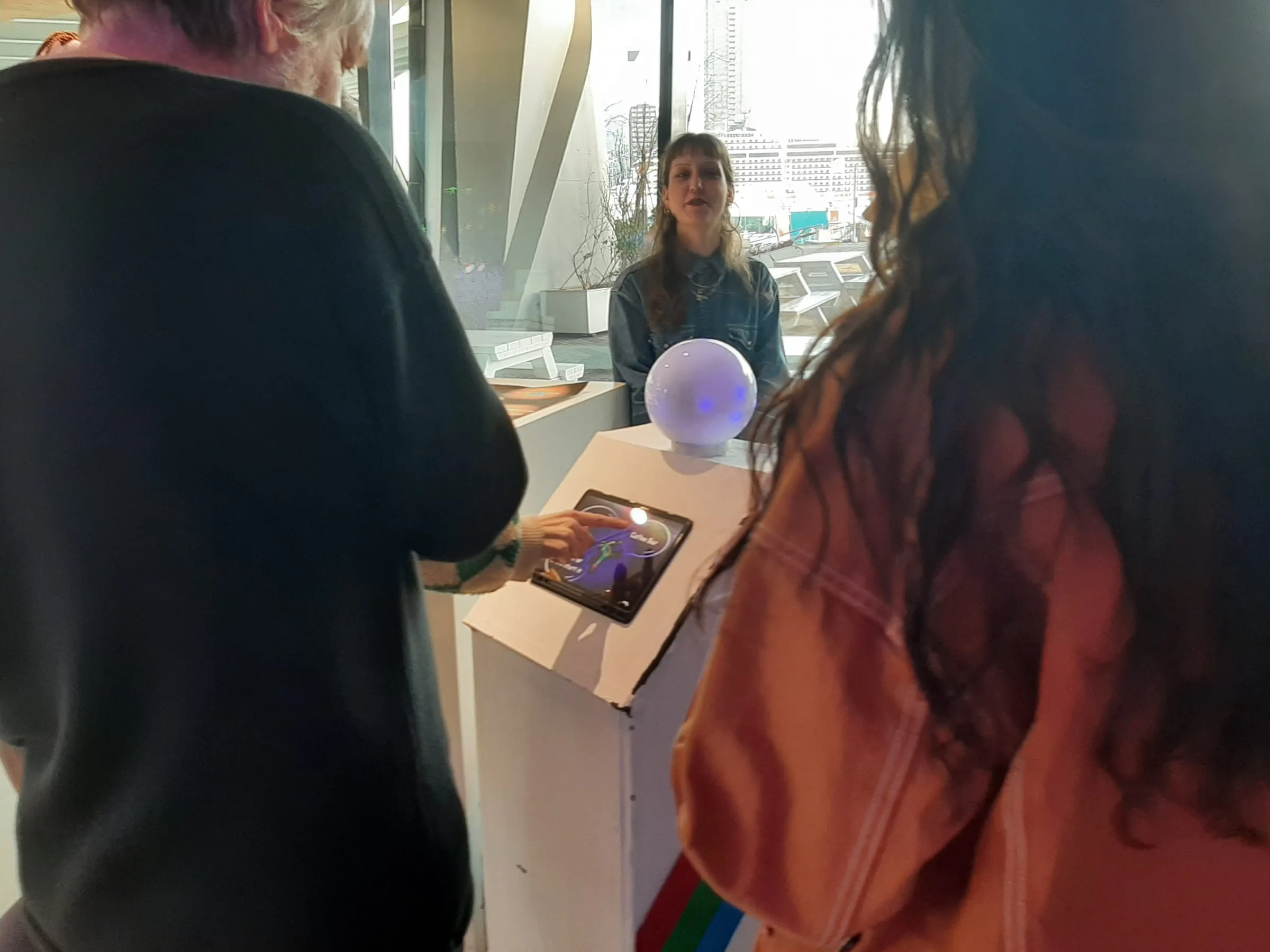
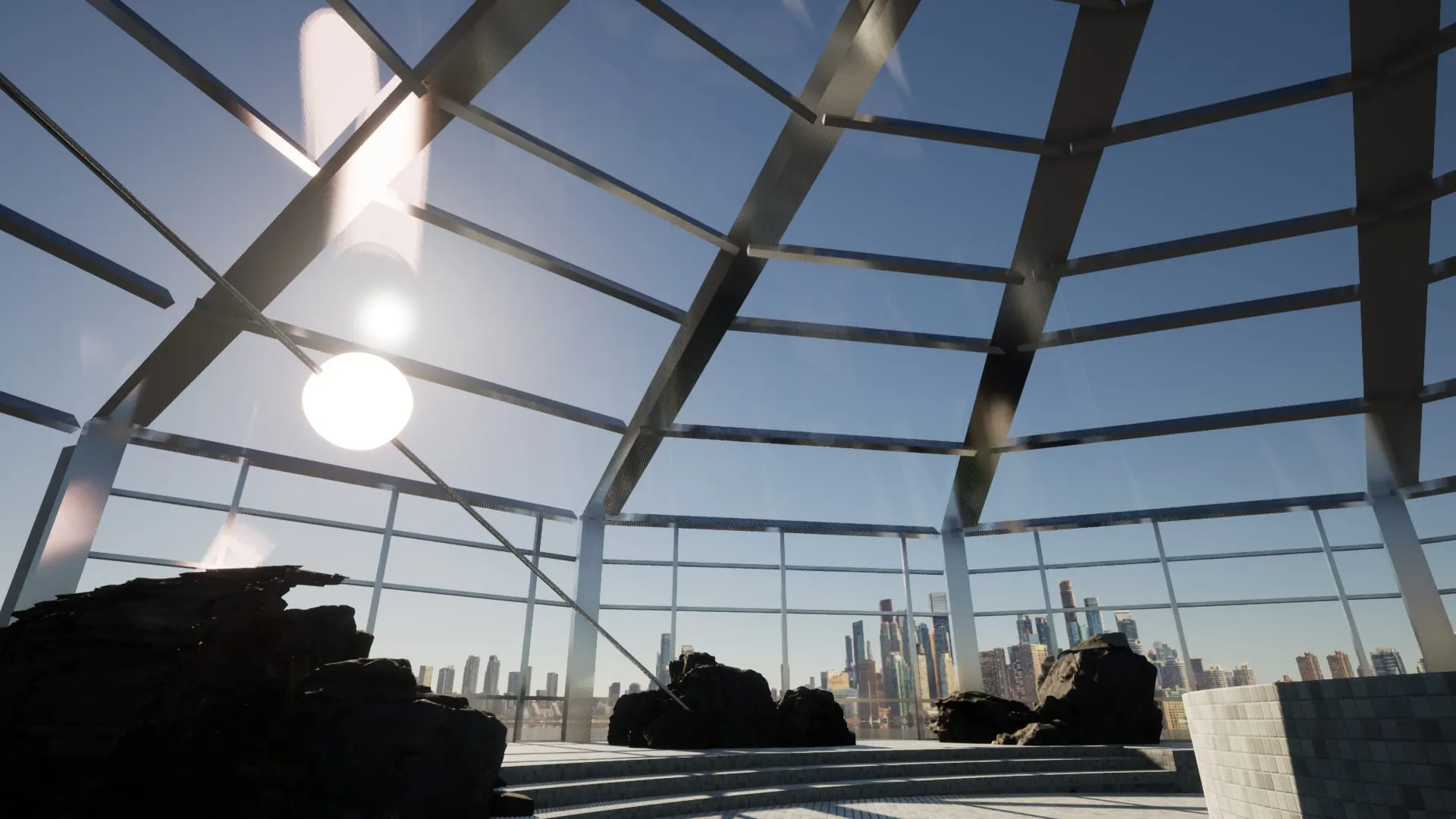
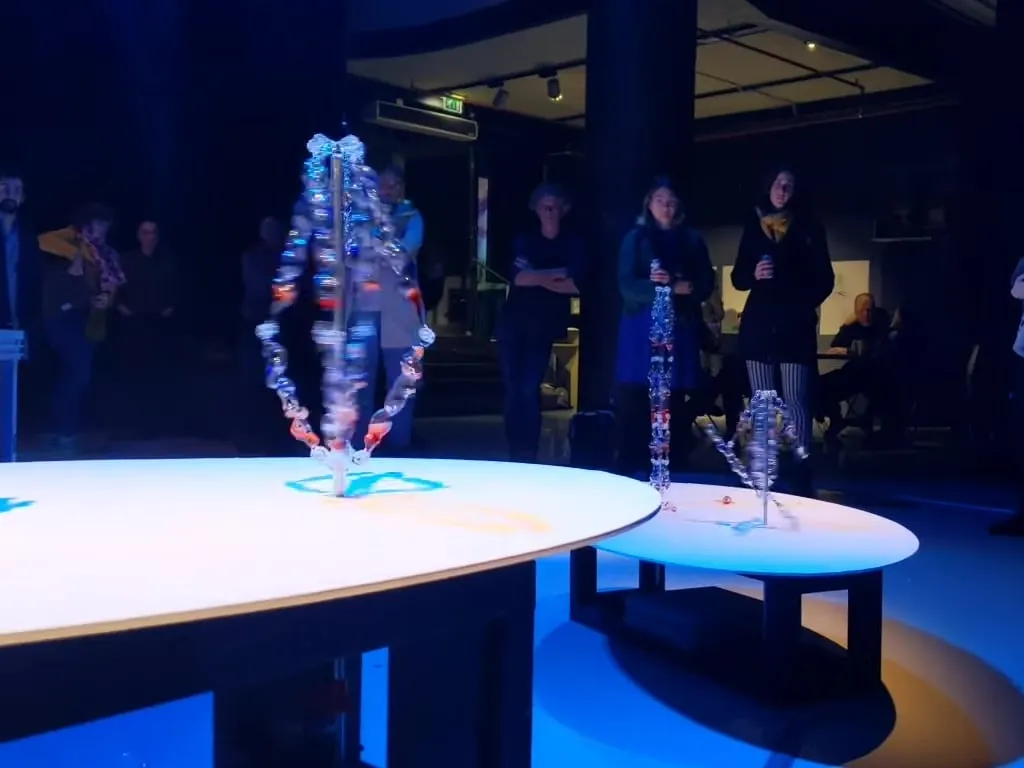
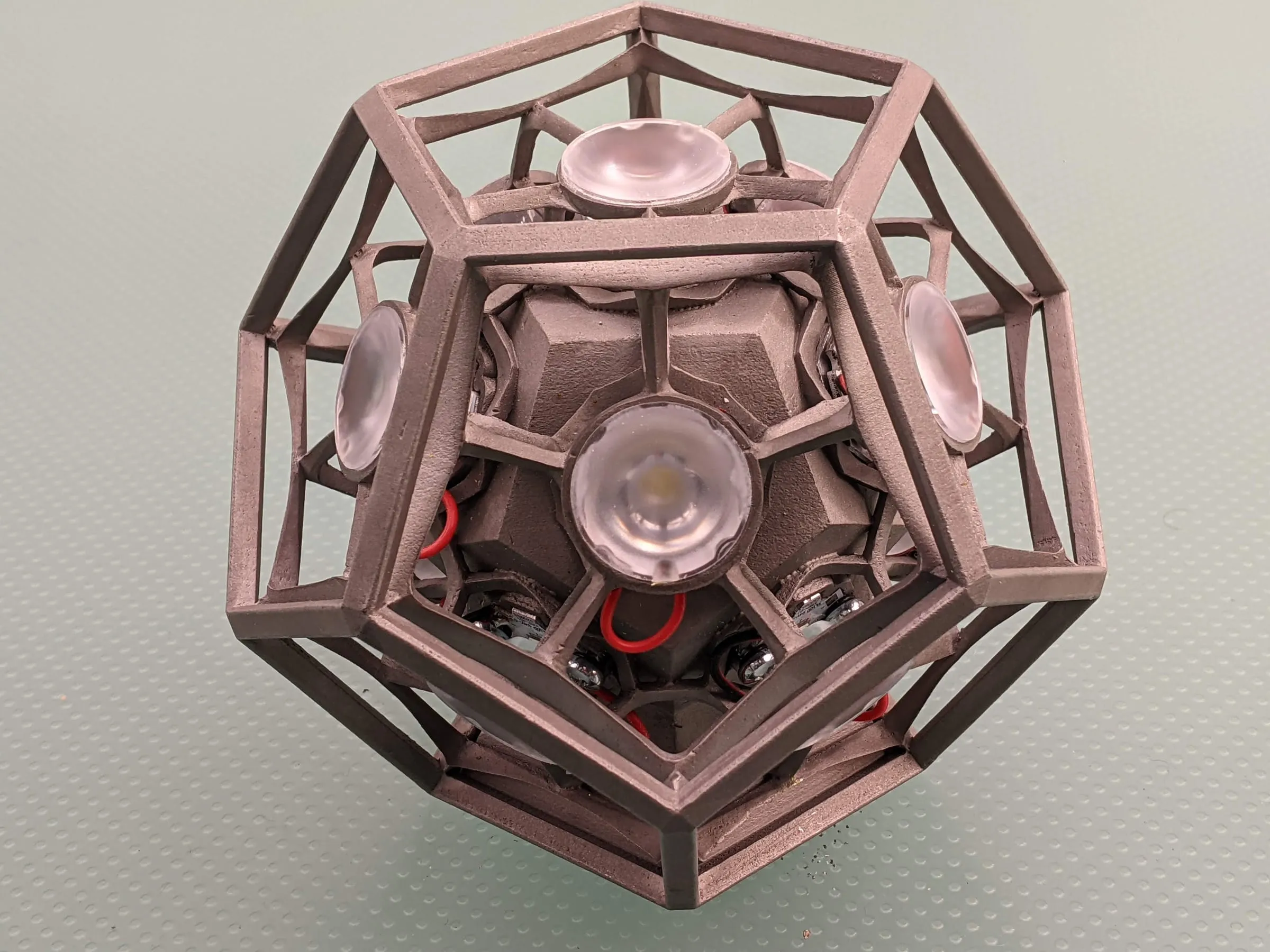
Our own work: Smart Objects with THUAS, for Remastered
Today: retyped into
Design drawings SketchUp · Vectorworks · AutoCAD
Spreadsheets Quotes · parts lists
Client briefs Floor plans · graphics · deadlines
Collection system Objects · loans · images
Email Changes · approvals
One source of truthProjects · parts · objectsEntered once, checked once
Generated, every time
Quotes From the drawing and your rates
Workshop sheets Parts, cutting and print lists
Labels & texts In every language, in your layout
Build & loan files Planning, transport, condition
Today the same information is retyped into drawings, spreadsheets, client briefs, the collection system and email. With one source of truth it is entered once, and quotes, workshop sheets, labels and build and loan files are generated from it.
Your work
What do you build?
Pick what fits and jump straight to the examples for your kind of work.
It's rarely the making. It's everything around it: pricing, listing, labelling and re-planning, again for every project.
01
Quoting a stand takes a day
Materials, hours, print, transport and build days priced from the drawing by hand — and again for every revision.
02
Your parts lists drift from the design
The drawing changed. The cutting list and the print order didn't.
03
You type object data twice
Titles, makers, dates and credits copied from the collection system into labels, catalogues and the website.
04
Translations eat the deadline
Every label and wall text in two or three languages, pasted and checked by hand the week before opening.
05
You re-plan after every change
Build schedules, crews and transport rebuilt when the client moves a date or a stand.
06
You redesign what you've built before
That counter, that wall system, that mounting detail — somewhere in a project folder from three years ago.
Before you build anything
What can you automate?
Think of one task in your team and tick what's true. Frequent, repeatable work on digital information is where software pays back fastest — and we'll tell you what we'd do about it.
Score 0 of 9
Probably not worth software yetA rare or one-off task seldom pays back.What we'd do: We'll tell you honestly. Often a better checklist is all it needs.
A smart templateRepetitive enough that nobody should start from a blank page.What we'd do: We set up templates that fill themselves from your project data, so every quote or list starts mostly done.
A script or small automationFrequent and rule-based: exactly what software is good at.What we'd do: We write the script, import or generator around the tools you already use. Usually the quickest win.
A proper toolThis is where teams get days back on every project.What we'd do: We build you a private platform: one source of truth for projects, parts and objects, with every document generated from it.
How much could you save?
Your own numbers, for one repetitive task.
Hours back per year
184
Working weeks
4.6
Internal cost freed per year
€6,440
What fits
A proper tool
Weeks of your team's time every year. Worth one source of truth.
Counted over 46 working weeks and 40-hour weeks. This is your estimate of your own process, not a promise; the process review replaces it with a measured number.
How often × how long
Every task in your team sits somewhere on this grid. Wherever yours lands, there's something we can do — except the bottom left, where we'll tell you to leave it.
Automate firstWe do this We build it for you: a platform or automation that takes it off your desk.
Script itWe do this We write a small script or connection, so it runs without anyone touching it.
Make a templateWe do this We set up a template that fills itself from your project data.
Leave it Not worth software. We'll say so.
Tick the questions above and your task's quadrant lights up.
Make a template
Automate first
Leave it
Script it
1Quote from a drawing
2Cutting and parts lists
3Object labels
4Label translations
5Museum tender
6Loan paperwork
7Annual report
How often it happens →Time it takes each time →
Quote from a drawing
Cutting and parts lists
Object labels
Label translations
Museum tender
Loan paperwork
Annual report
What we build
Four ways we can help your team
Most teams need a mix. We start with the smallest thing that gives you back the most hours.
Automation
Scripts and connections between the tools you already have.
· Exports from SketchUp, Vectorworks or AutoCAD into parts and cutting lists
· Quotes and workshop sheets in your layout: PDF, Excel
· Label files for InDesign straight from your collection data
· Hand-offs between apps with Make, n8n or Power Automate
Platforms
A private web app with one database for projects, parts and objects, and every document generated from it.
· A library of stand elements, finishes and details you reuse
· Revisions per project, with what changed
· A client portal with drawings, approvals and build planning
· Your identity, not a generic dashboard
AI
Reading, drafting and translating — with your team checking the result.
· Briefs and tenders read into a checklist and a first quote
· Label and wall texts drafted and translated, checked by your editors
· Plain-language search across past projects and objects
· EU-hosted models, or local models on your own server
Analysis
Dashboards and reports from your projects, hours, materials and sensors.
· Quoted against actual hours and materials per project
· Material and print cost per square metre
· Light and climate per object against its limits
· Visitor use per exhibit, without cameras
Use cases
Examples for your work
Real processes from exhibition makers and museums, and what software does with them. Pick your field; examples for every maker apply to everyone.
Stand builders Automation
Quotes from the drawing
Walls, floors, elements and finishes read from your drawing and priced with your rates, hours and transport, ready to check and send.
Replaces · Measuring and pricing every element by hand
SketchUp
Vectorworks
AutoCAD
Excel
Stand builders Platforms
A library of stand elements
Walls, counters, frames and details you've built before, with drawings, materials and real costs, reused in the next quote.
Replaces · Redrawing and re-pricing from scratch
SketchUp
PDF
Excel
Stand builders Analysis
Quoted against built
Hours and materials per project compared with the quote, so the next price is based on what it really took.
Replaces · Guessing the margin after the build
Timesheets
Accounting export
Excel
Fabrication Automation
Cutting and print lists
Parts, panels and print files generated from the 3D model, grouped by material and machine.
Replaces · Listing parts from the model by hand
Rhino
SketchUp
Fusion
DXF
Excel
Fabrication AI
Briefs into build specs
A client brief or tender read into a checklist of requirements, sizes and deadlines, with every item linked to its page.
Replaces · Highlighting PDFs and hoping nothing was missed
PDF
Word
Excel
Museums Platforms
Object lists and labels
Object data from your collection system flows into lists, labels and catalogues without retyping.
Replaces · Exporting, cleaning and pasting object data
Collection system
InDesign
Excel
Museums AI
Label texts in every language
Labels and wall texts drafted and translated in your house style, for your editors to check and approve.
Replaces · Translating and pasting text by hand
DeepL
Word
InDesign
Museums Platforms
Loan and condition files
Loans, condition reports, photos and transport per object in one place, exported as the paperwork lenders ask for.
Replaces · A spreadsheet per loan and photos in folders
Collection system
Tablet forms
PDF
Museums Analysis
Light exposure per object
Lux and UV logged per object against its yearly exposure budget, with an alert before a limit is reached.
Replaces · Spot measurements and estimates
Light sensors
Dashboard
Interactive & AV Automation
Content updates without a developer
Texts, images and videos in interactive exhibits changed from one simple page, in every language.
Replaces · Calling the developer for every typo
CMS
Touchscreens
Media players
Interactive & AV Analysis
Which exhibits get used
Interactions and dwell time per exhibit from anonymous sensor or touch data, with no cameras involved.
Replaces · Watching from the corner of the room
Sensors
Touch logs
Dashboard
Experiences Platforms
Maintenance logs per installation
Every installation with its parts, settings, issues and repairs, so whoever is on site knows its history.
Replaces · A notebook at the front desk
Tablet forms
Photos
Email
Every maker Automation
Build and transport planning
Build days, crews, vans and venues planned in one view, with schedules sent to everyone and changes reaching all of them.
Replaces · A whiteboard and a lot of phone calls
Calendar
Excel
Email
Every maker AI
Search across past projects
Ask which project used that wall system, that supplier or that mounting detail, and get answers that link to the source file.
Replaces · Asking the colleague who remembers
Server folders
PDF
Email
Examples for every exhibition maker are shown with every field.
Your stack
Built around the software you already use
You don't have to replace anything. We connect through exports, file formats, APIs and scripts, so your drawing tool stays your drawing tool and your collection system stays your collection system.
Design and 3D
SketchUp
Vectorworks
AutoCAD
Rhino
Fusion
Blender
Production
DXF
CNC and CAM exports
Large-format print files
Excel
Google Sheets
Airtable
Collections and content
Axiell
TMS
InDesign
DeepL
WordPress
IIIF
Exchange formats
DWG
DXF
PDF
CSV
JSON
IFC
Automation
Python
Node.js
Make
n8n
Power Automate
Zapier
AI
Mistral (EU)
Gemini on Vertex AI (EU region)
Claude
Local models via Ollama
Worked example
A quote from a stand drawing
How we'd approach it for a stand builder. An illustration of our method, not a client project.
Before
Today a project manager reads the drawing, measures every wall and counter, and prices materials, hours, print and transport in a spreadsheet copied from the last stand.
1
Map one real stand
One meeting in your office, walking a recent stand from drawing to invoice.
2
Your elements, once
Walls, counters, floors and finishes stored with their materials, hours and real costs.
3
Drawing in, quantities out
The drawing is read into elements and quantities. Anything the software isn't sure about is flagged for a person.
4
Quote and workshop sheets
The quote, cutting lists and print orders come from the same record, in your layout.
5
Learn from every build
Actual hours and materials are logged against the quote, so the next price is sharper.
After
Your designers keep drawing. Measuring, listing and re-pricing moves to one place.
Data and security
Your data stays yours
Client launches, unannounced exhibitions and lenders' details are confidential. The setup reflects that from the first line of code.
EU hosting
A dedicated server in the EU, or your own office server.
No training on your data
AI providers configured for zero retention and contractually barred from training on it.
Local AI when it matters
Confidential projects processed by open models on your own hardware. Nothing leaves your building.
You own it
Source code, data and documents are yours, with exports in CSV, Excel and JSON at any time.
Process
How we'd work with you
Nothing is built that you haven't seen first.
01
Process review
We follow one of your real projects from brief to build and map where your hours go. You get a clear scope and price before anything is built.
02
Clickable prototype
Every screen and your document layouts, clicked through together and changed before any code is written.
03
Build in blocks
Short build blocks, each ending in a review where your own files go through the real thing.
04
Handover
Training, user and admin guides, the source code and your data. Small changes stay easy afterwards.
Typical timelines, in weeks
Process review1–4 weeks
A focused AI tool or automation4–12 weeks
A company platform6–14 weeks
Typical ranges from our service pages, not commitments. The process review gives you the real number.
Background
Built by people who build things themselves
Hola Studio designs and fabricates installations, interactive exhibits and props that survive thousands of visitors. Workshop sheets, transport crates and opening-night deadlines are familiar ground — we speak your language.
Clients includeMuseum Boijmans Van Beuningen · Sherlocked · Municipality of The Hague
FAQ
Questions you might have
Do we have to stop using SketchUp, our collection system or Excel?
No. Your drawing tools and collection system keep doing what they're good at. We connect to them through exports, file formats, APIs and scripts, and move only the retyping, pricing and document work.
Is our project data used to train AI models?
No. We use EU-hosted AI with zero retention and no training on your data, and for confidential projects the AI can run entirely on your own server.
Can AI write our label texts?
It can draft and translate them in your house style, but your editors decide. Every text is checked and approved by a person before it goes on a wall.
We're a small team. Is it worth it?
Often the first win is small: one script that turns a drawing into a parts list, or one label export that saves a week before every opening. Use the check on this page; if a task is frequent, repeatable and already digital, it's usually worth a conversation.
What does it cost?
We don't publish prices, because scope decides it. The process review maps one of your real projects and ends with a clear scope and price before anything is built.
How long does it take?
Typically 1–4 weeks for a process review, 4–12 weeks for a focused AI tool or automation, and 6–14 weeks for a company platform.
Who owns the software?
You do. You receive the source code, the data and the infrastructure accounts, with no lock-in.
We design exhibitions rather than build them. Is this for us?
Our page for design studios fits you better: it covers schedules, specifications and documentation for exhibition, lighting and interior design studios.
Bring one project. We'll show you where your hours go.
Tell us how a stand or exhibition moves through your team today. We'll tell you honestly what's worth automating, and what isn't.
Hola — I'm Ola. I know how the studio works: what we build, how we scope
it, and what engagements usually cost.
Ask me anything, or tell me what you're trying to make.
A quick, honest question
We would like to use Google Analytics to see which work people actually
read. It sets cookies and shares your visit with Google, so we are not
turning it on unless you say yes. The site behaves identically either
way. What we collect.