Skip to content

Automation for lighting brands & suppliers

Automate the product data. Keep selling light.

Datasheets, photometric files, catalogues, price lists, dealer feeds, quotes from designers' schedules. If your team retypes the same product data into PDFs, websites, spreadsheets and quotes, we automate it — with software and AI built around the systems you already run.

Start with a process review
Rows of brightly coloured lamp covers in red, yellow, green, blue and purple.
  • Datasheet Generated in four languages
  • Project quote Matched from the designer's schedule
  • Photometry check LDT matches the datasheet
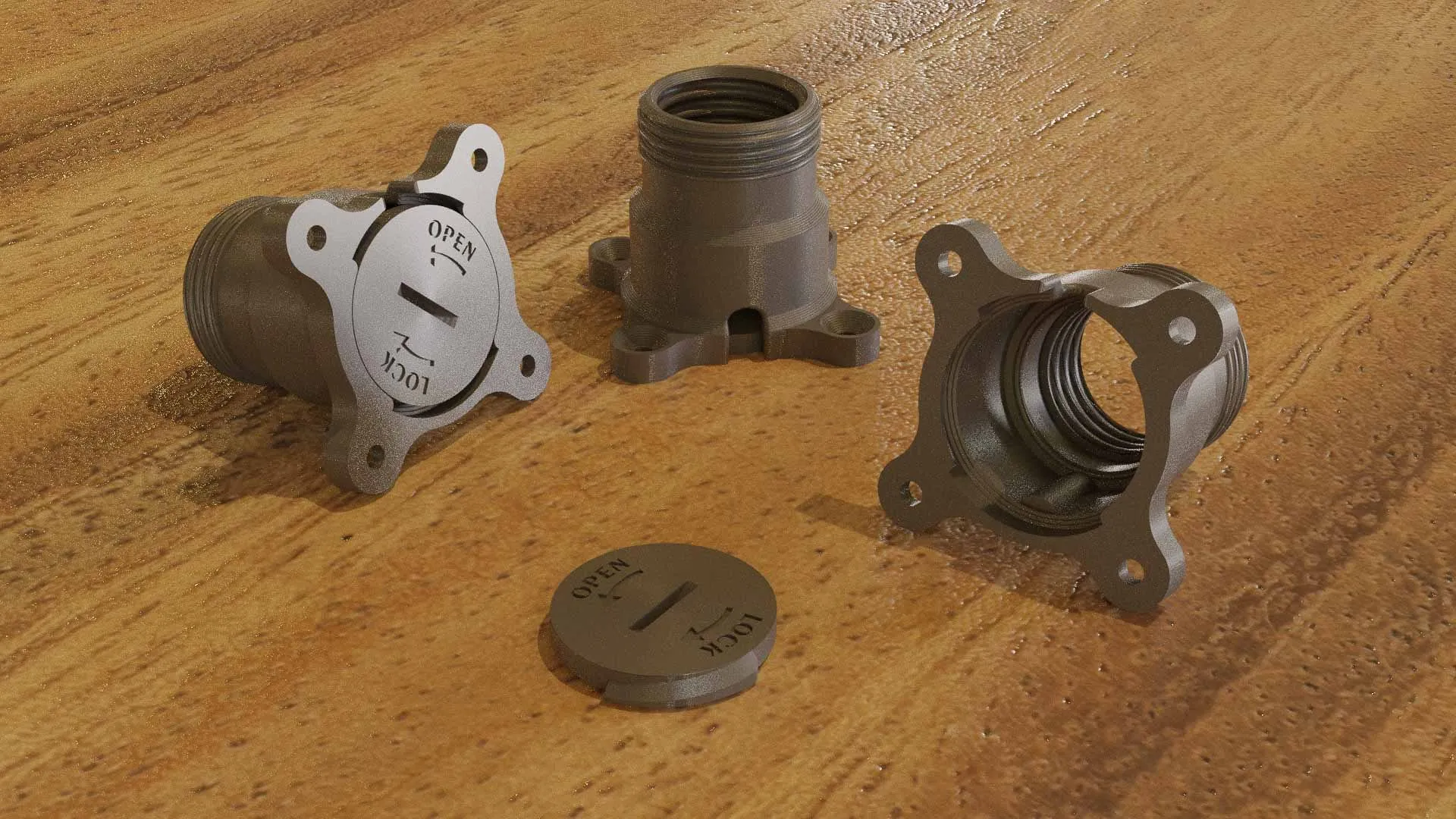
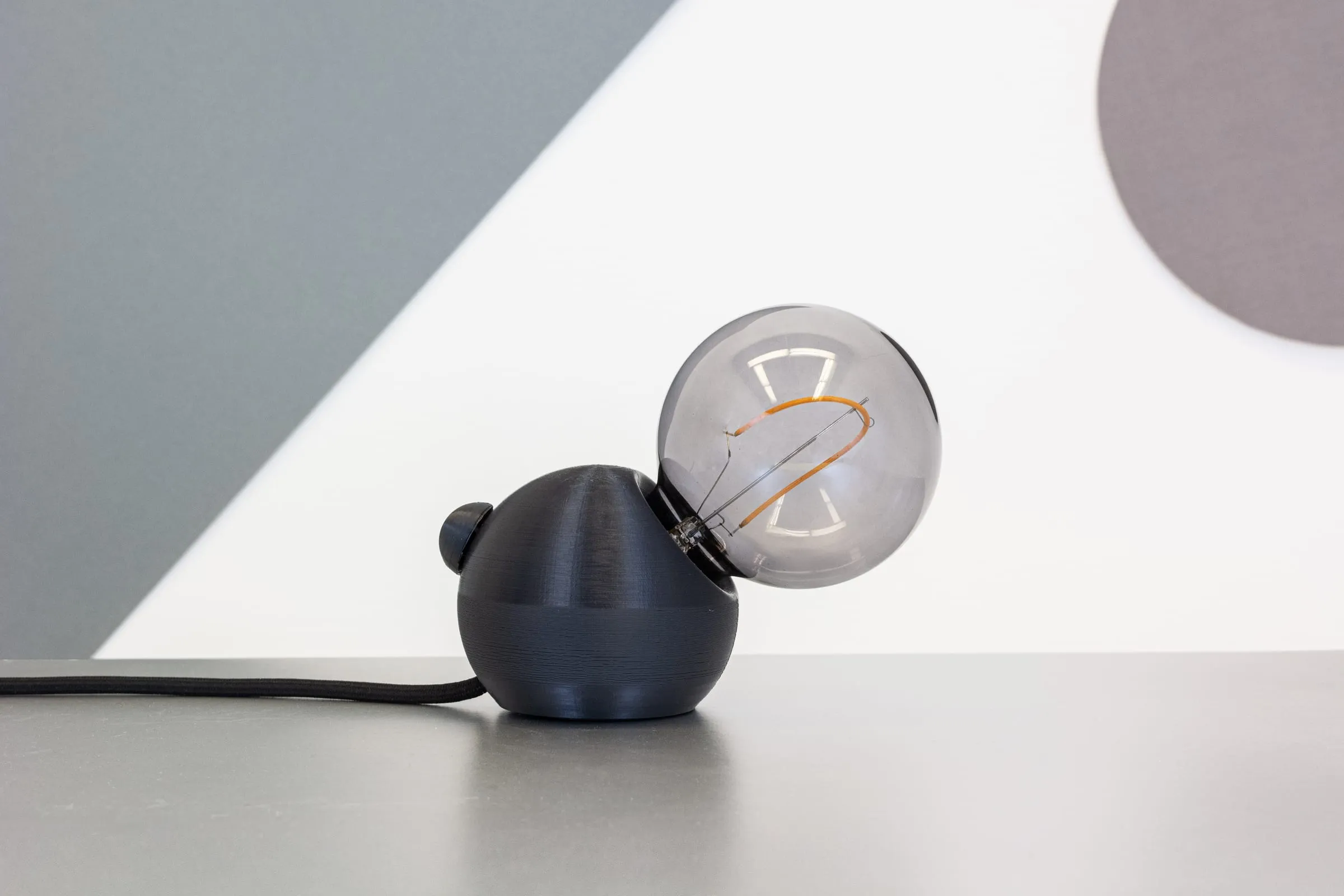
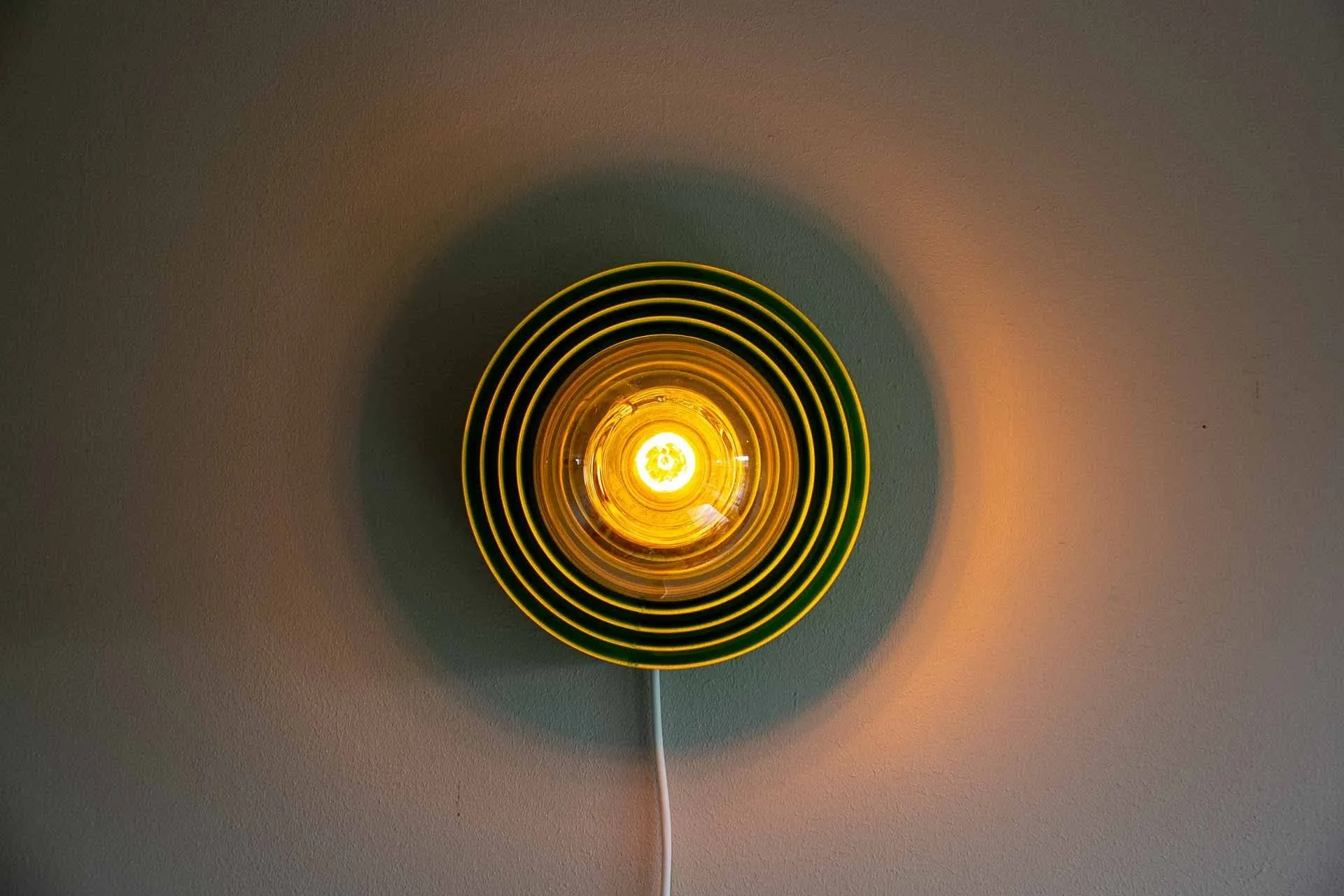
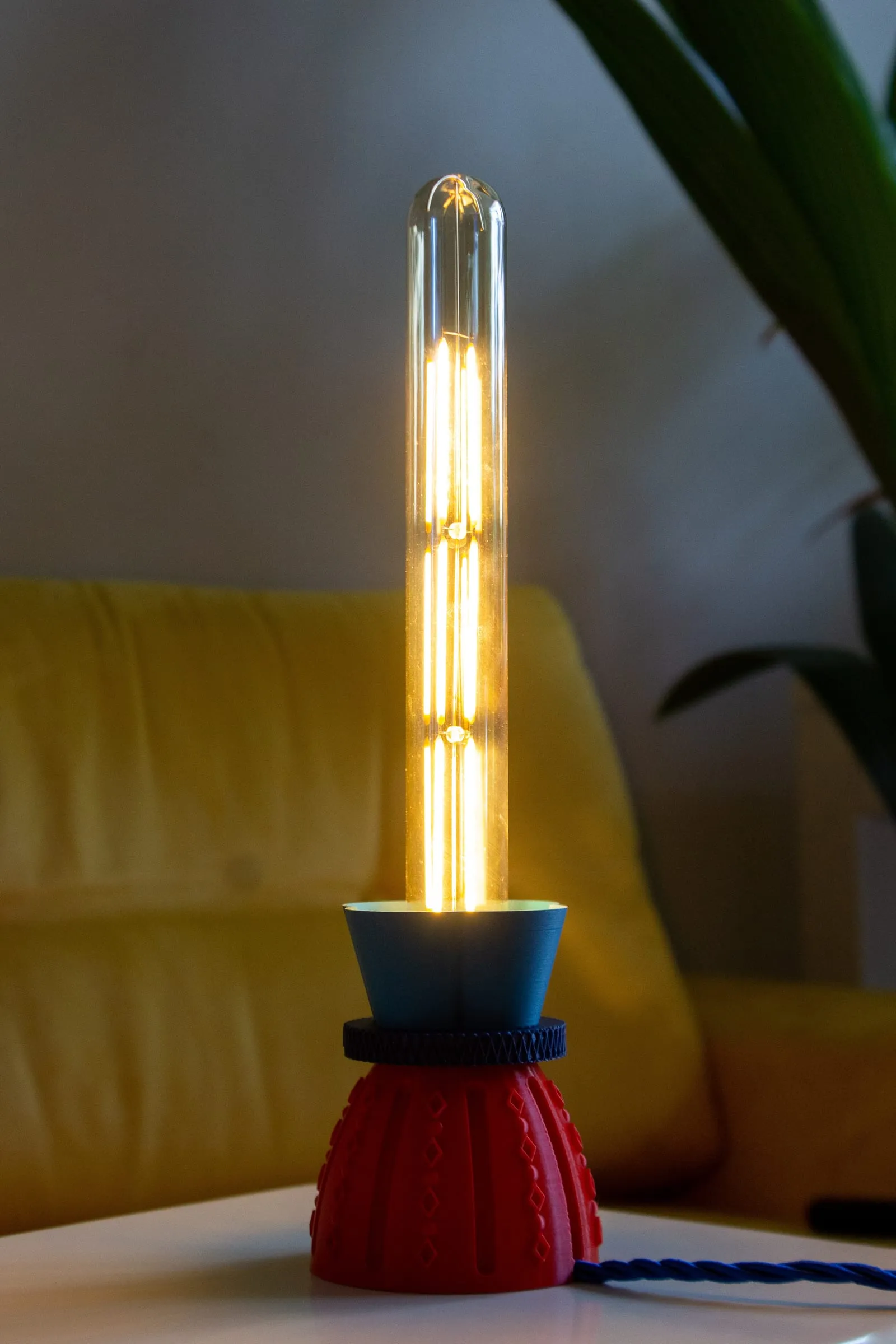
Our own product: Simple Sockets covers

Today: typed into

  • Product data ERP · PIM · spreadsheets
  • Photometry LDT · IES · GLDF
  • Datasheets InDesign · PDF
  • Designer schedules Excel and PDF from projects
  • Email Spec requests · samples
One source of truth Products · variants · prices Entered once, checked once

Generated, every time

  • Datasheets Every variant, every language
  • Website & feeds Catalogue, dealers, DIALux
  • Project quotes From the designer's schedule
  • Spec answers Matched to your range
Today the same product data is typed into the ERP, photometric files, datasheets, project quotes and email. With one source of truth it is entered once, and datasheets, website and dealer feeds, project quotes and answers to specification requests are generated from it.

The problem

Where your hours actually go

It's rarely the product. It's the data around it, retyped for every channel, every language and every project.

  1. 01

    One product, typed six times

    ERP, datasheet, website, price list, dealer feed and quote. Every new variant means six edits, and one of them goes wrong.

  2. 02

    Datasheets are built by hand

    Every variant and language laid out in InDesign, then rebuilt when a driver or a lumen value changes.

  3. 03

    Photometry doesn't match the PDF

    The LDT file says one thing, the datasheet another, and a lighting designer notices before you do.

  4. 04

    Quotes start from someone else's schedule

    Someone matches every line of a designer's fixture schedule to your range and prices it, by hand.

  5. 05

    Spec requests fill the inbox

    Designers ask for alternatives, files and lead times. The answers exist; finding them is what takes the time.

  6. 06

    Every dealer wants a different format

    Each distributor, platform and webshop asks for its own feed or spreadsheet, and keeping them current is a job in itself.

Before you build anything

What can you automate?

Think of one task in your company and tick what's true. Frequent, repeatable work on digital information is where software pays back fastest — and we'll tell you what we'd do about it.

Tick what's true for one task

Score 0 of 9

  1. Probably not worth software yet A rare or one-off task seldom pays back. What we'd do: We'll tell you honestly. Often a better checklist is all it needs.
  2. A smart template Repetitive enough that nobody should start from a blank page. What we'd do: We set up templates that fill themselves from your product data, so every datasheet or quote starts mostly done.
  3. A script or small automation Frequent and rule-based: exactly what software is good at. What we'd do: We write the script, import, feed or generator around the systems you already use. Usually the quickest win.
  4. A proper tool This is where lighting businesses get days back every week. What we'd do: We build you a private platform: one product database, with every datasheet, feed and quote generated from it.

How much could you save?

Your own numbers, for one repetitive task.

Hours back per year
184
Working weeks
4.6
Internal cost freed per year
€6,440

What fits

A proper tool

Weeks of your team's time every year. Worth one source of truth.

Counted over 46 working weeks and 40-hour weeks. This is your estimate of your own process, not a promise; the process review replaces it with a measured number.

How often × how long

Every task in your company sits somewhere on this grid. Wherever yours lands, there's something we can do — except the bottom left, where we'll tell you to leave it.

  • Automate first We do this We build it for you: a platform or automation that takes it off your desk.
  • Script it We do this We write a small script, feed or connection, so it runs without anyone touching it.
  • Make a template We do this We set up a template that fills itself from your product data.
  • Leave it Not worth software. We'll say so.

Tick the questions above and your task's quadrant lights up.

Make a template
Automate first
Leave it
Script it
How often it happens → Time it takes each time →
  1. Quote from a schedule
  2. New variant datasheet
  3. Dealer feed update
  4. Photometry check
  5. Catalogue update
  6. Annual price list
  7. Trade fair product list

What we build

Four ways we can help your company

Most lighting businesses need a mix. We start with the smallest thing that gives you back the most hours.

Automation

Scripts, feeds and connections between the systems you already have.

  • Datasheets generated from your product data, in every language
  • Exports to your website, your dealers and DIALux or Relux
  • Price lists and quotes in your layout: PDF, Excel
  • Hand-offs between ERP, PIM and webshop with Make, n8n or Power Automate

Platforms

A private web app with one product database, and every document and feed generated from it.

  • Products, variants, drivers and accessories as one structured range
  • Project quoting from a designer's schedule
  • A portal where designers and dealers download the latest files
  • Your brand, not a generic dashboard

AI

Reading, matching and drafting — with your product team checking the result.

  • Fields extracted from supplier and OEM datasheets
  • Designer schedules matched to your range, line by line
  • Spec requests answered with alternatives from your catalogue
  • EU-hosted models, or local models on your own server

Analysis

Dashboards and reports from your products, projects, quotes and sales.

  • Which products are specified, quoted and won
  • Margin per project, product family and channel
  • Quote conversion per agent and region
  • Data quality: missing files and fields per product

Use cases

Examples for your business

Real processes from lighting brands and suppliers, and what software does with them. Pick your place in the chain; examples for every lighting business apply to everyone.

  • Manufacturers Platforms

    One product database for every output

    Products, variants, drivers, optics and finishes stored once. Datasheets, price lists and web pages are generated from it.

    Replaces · The same data in the ERP, InDesign and the website

    • ERP
    • PIM
    • InDesign
    • Excel
  • Manufacturers Automation

    Photometric cross-check

    A warning when the LDT or IES file disagrees with the datasheet on lumen, wattage or colour temperature.

    Replaces · Spotting mismatches by eye, or not at all

    • LDT
    • IES
    • GLDF
  • Manufacturers Automation

    Your range in DIALux and Relux

    Products exported as GLDF and catalogue data, so lighting designers find correct, current products in their calculation software.

    Replaces · Outdated plug-ins and files sent on request

    • GLDF
    • DIALux
    • Relux
  • Design brands Automation

    Datasheets in every language

    Every variant's datasheet laid out in your design and language from the product data, and regenerated when a value changes.

    Replaces · Rebuilding datasheets in InDesign

    • InDesign
    • PDF
    • DeepL
  • Design brands AI

    Product texts and translations

    Descriptions and translations drafted in your brand voice from the product data, for your team to check.

    Replaces · Writing every variant's copy by hand

    • Product data
    • DeepL
    • Website
  • Distributors AI

    Supplier datasheets into your system

    Supplier and OEM PDFs read into structured product records, with a person checking each field against the source.

    Replaces · Copying specs from PDFs field by field

    • PDF
    • ERP
    • PIM
  • Distributors Automation

    Feeds for every channel

    One product database, exported in the format each webshop, dealer and platform asks for, and kept current automatically.

    Replaces · A different spreadsheet for every customer

    • CSV
    • XML
    • ETIM
    • BMEcat
  • Distributors AI

    Search by specification

    Find products across your range by beam angle, CRI, IP rating and size — or from a photo.

    Replaces · Browsing catalogues and price lists

    • Product database
    • Images
  • Agents Automation

    Quotes from a designer's schedule

    A fixture schedule goes in. Every line is matched to your range and priced, with doubtful matches flagged for you.

    Replaces · Matching schedules line by line

    • Excel
    • PDF
    • Price lists
  • Agents Analysis

    Specified, quoted, won

    Every project followed from specification to order, per designer, region and product family.

    Replaces · A spreadsheet of projects nobody updates

    • CRM
    • Excel
    • Dashboard
  • Retail AI

    Lighting advice from a photo

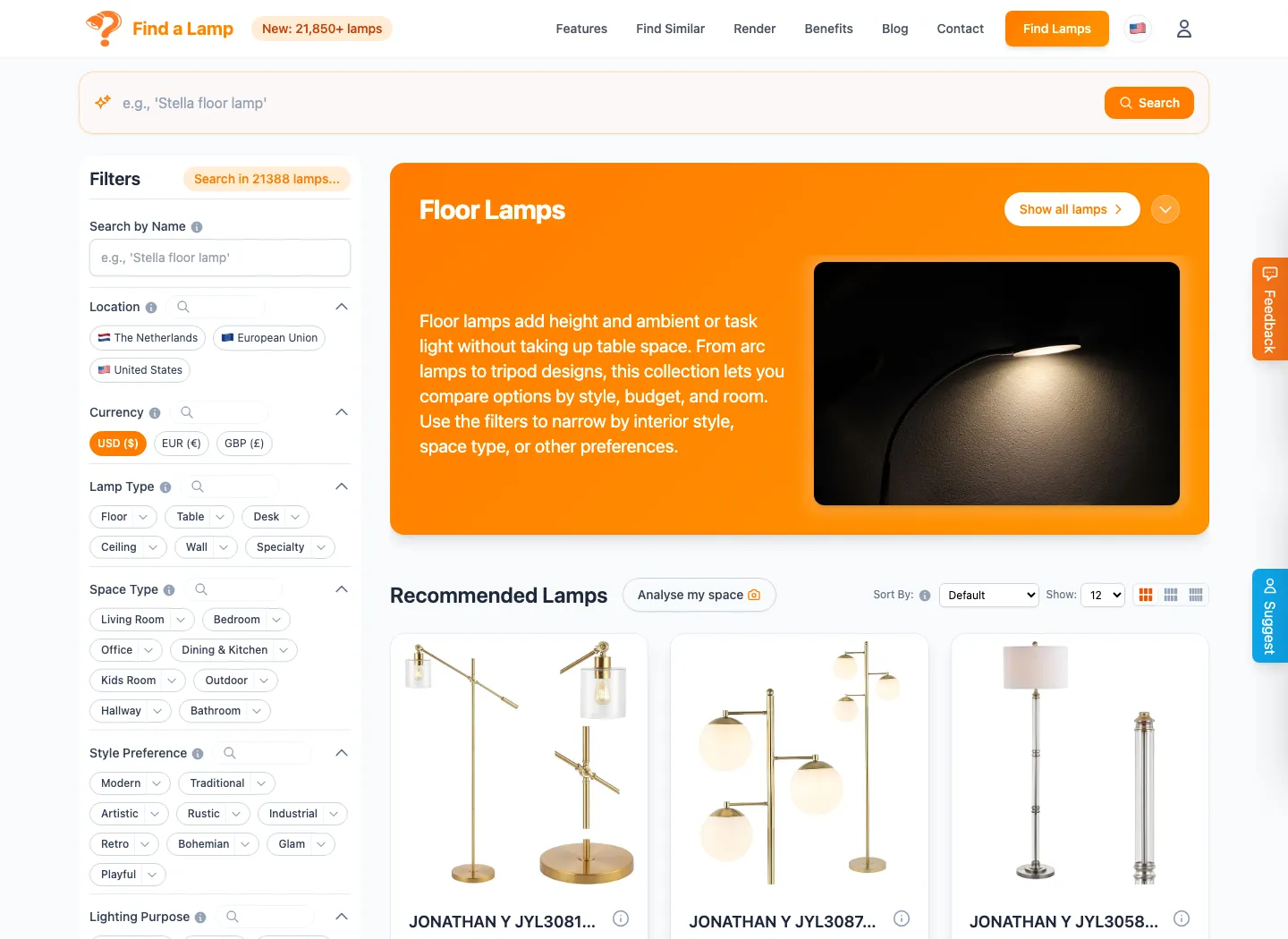
    Customers upload a photo of their room and get advice and a shortlist from your range, as we built for Find a Lamp.

    Replaces · Customers guessing, and returning what doesn't fit

    • Webshop
    • Product feed
  • Every business AI

    Spec requests answered faster

    Questions from designers matched to products, files and lead times, and drafted as a reply for your team to send.

    Replaces · Hunting through folders and price lists

    • Email
    • Product database
  • Every business Analysis

    Data quality per product

    Which products miss photometry, images, translations or certificates, before a designer asks.

    Replaces · Finding gaps when a project needs the file

    • PIM
    • Excel
    • Dashboard

Your stack

Built around the software you already use

You don't have to replace anything. We connect through exports, file formats, APIs and scripts, so your ERP stays your ERP and your designers keep their layouts.

Product data

  • ERP (Exact, AFAS, SAP)
  • PIM (Akeneo)
  • ETIM
  • Excel
  • Airtable
  • Google Sheets

Lighting

  • DIALux
  • Relux
  • AGi32
  • LDT (Eulumdat)
  • IES
  • GLDF

Documents and web

  • InDesign
  • PDF
  • WordPress
  • Shopify
  • WooCommerce
  • DeepL

Exchange formats

  • CSV
  • XML
  • JSON
  • BMEcat
  • STEP
  • DWG

Automation

  • Python
  • Node.js
  • Make
  • n8n
  • Power Automate
  • Zapier

AI

  • Mistral (EU)
  • Gemini on Vertex AI (EU region)
  • Claude
  • Local models via Ollama

Worked example

Finding the right lamp among 21,000

How we built Find a Lamp, our own AI lamp finder. The same building blocks a lighting brand or distributor needs. Not a client project.

Before

Lamp data arrives from many suppliers in different formats, with missing fields, duplicates and specifications nobody can search by.

  1. 1

    Ingest every feed

    Supplier catalogues read in, whatever their format, on a schedule that keeps them fresh.

  2. 2

    Normalise and deduplicate

    Fields mapped to one structure, units made consistent, and the same lamp from two suppliers recognised as one.

  3. 3

    Search the way people ask

    Filters for price, style and region, and visual search that finds lamps that look like the one in a photo.

  4. 4

    AI on the customer's own photo

    A photo of a room goes in; lighting advice and a shortlist come out, and the chosen lamp is rendered into the photo.

  5. 5

    Live, not a demo

    Over 21,850 lamps, three AI features in production, used by the public at findalamp.com.

After

For a lighting brand the same blocks turn messy product data into one clean range: searchable, comparable and ready for every datasheet, feed and quote.

Data and security

Your data stays yours

Unreleased products, project prices and designer relationships are confidential. The setup reflects that from the first line of code.

  • EU hosting

    A dedicated server in the EU, or your own office server.

  • No training on your data

    AI providers configured for zero retention and contractually barred from training on it.

  • Local AI when it matters

    Unreleased products and project prices processed by open models on your own hardware. Nothing leaves your building.

  • You own it

    Source code, data and documents are yours, with exports in CSV, Excel and JSON at any time.

Process

How we'd work with you

Nothing is built that you haven't seen first.

  1. 01

    Process review

    We follow one product launch or one project quote from start to finish and map where your hours go. You get a clear scope and price before anything is built.

  2. 02

    Clickable prototype

    Every screen and your document layouts, clicked through together and changed before any code is written.

  3. 03

    Build in blocks

    Short build blocks, each ending in a review where your own product data goes through the real thing.

  4. 04

    Handover

    Training, user and admin guides, the source code and your data. Small changes stay easy afterwards.

Typical timelines, in weeks
  • Process review 1–4 weeks
  • A focused AI tool or automation 4–12 weeks
  • A company platform 6–14 weeks

Typical ranges from our service pages, not commitments. The process review gives you the real number.

Background

Built by people who made and sold lamps themselves

Hola Studio started as a lamp company: a dozen products taken from sketch to shelf. Drivers, photometric files, packaging and dealer price lists are familiar ground — we speak your language.

Clients include Museum Boijmans Van Beuningen · Municipality of The Hague · The Hague University of Applied Sciences

FAQ

Questions you might have

Do we have to replace our ERP or PIM?

No. Your ERP and PIM keep doing what they're good at. We connect to them through exports, APIs and scripts, and generate the datasheets, feeds and quotes from the data you already have.

Is our product and price data used to train AI models?

No. We use EU-hosted AI with zero retention and no training on your data, and for unreleased products the AI can run entirely on your own server.

Our product data is messy. Can you still help?

Usually that's where we start. Cleaning, structuring and deduplicating product data is exactly what we did for Find a Lamp's 21,000 lamps, with a person checking what the software isn't sure about.

We're a small brand. Is it worth it?

Often the first win is small: datasheets generated from one spreadsheet, or a photometry check that runs on every new file. Use the check on this page; if a task is frequent, repeatable and already digital, it's usually worth a conversation.

What does it cost?

We don't publish prices, because scope decides it. The process review maps one product launch or project quote and ends with a clear scope and price before anything is built.

How long does it take?

Typically 1–4 weeks for a process review, 4–12 weeks for a focused AI tool or automation, and 6–14 weeks for a company platform.

Who owns the software?

You do. You receive the source code, the data and the infrastructure accounts, with no lock-in.

Do you know the lighting industry?

Yes. We started by designing and manufacturing our own lamps, we light concerts and theatre, and we built Vaib, the first AI lighting design platform, and Find a Lamp. LDT files and drivers are everyday work for us.

Bring one product launch. We'll show you where your hours go.

Tell us how a product or a project quote moves through your company today. We'll tell you honestly what's worth automating, and what isn't.

Start with a process review