Automate the paperwork around the show. Keep the show.
Quotes, equipment lists, patch sheets, crew call sheets, rider checks, handover files. If your team rebuilds the same lists in spreadsheets, plots and group chats for every gig, tour or install, we automate it — with software and AI built around the tools you already run.
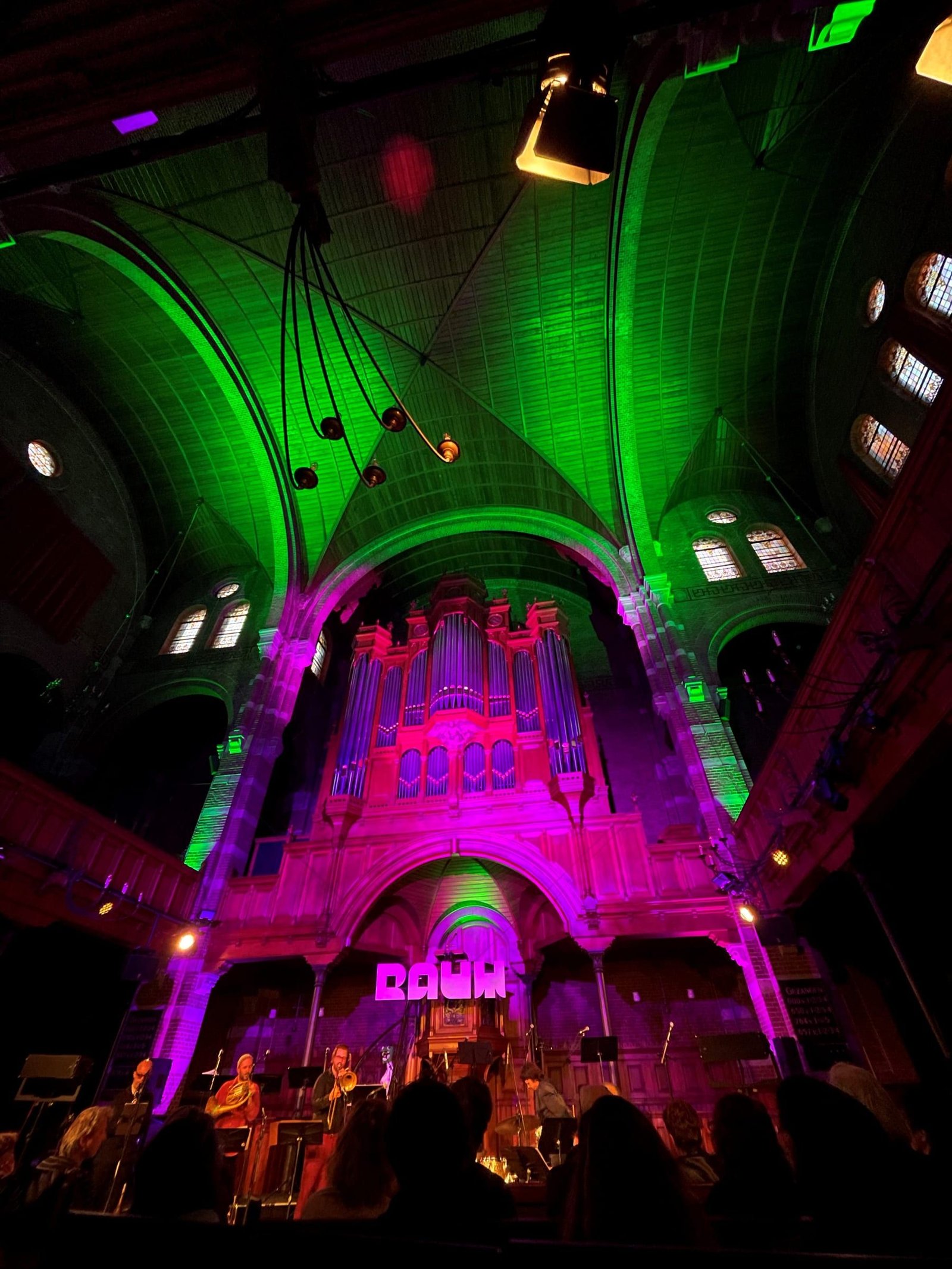
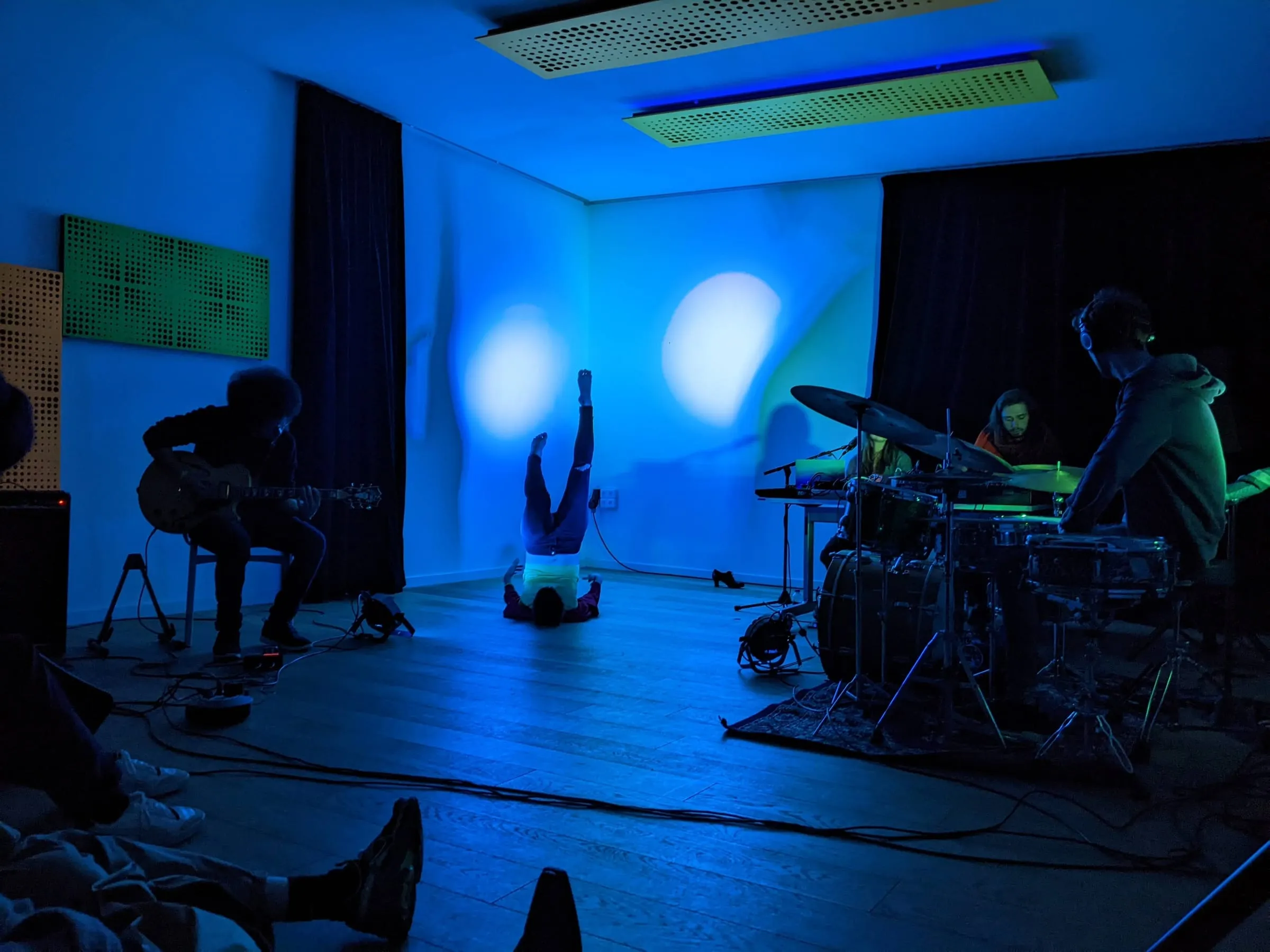
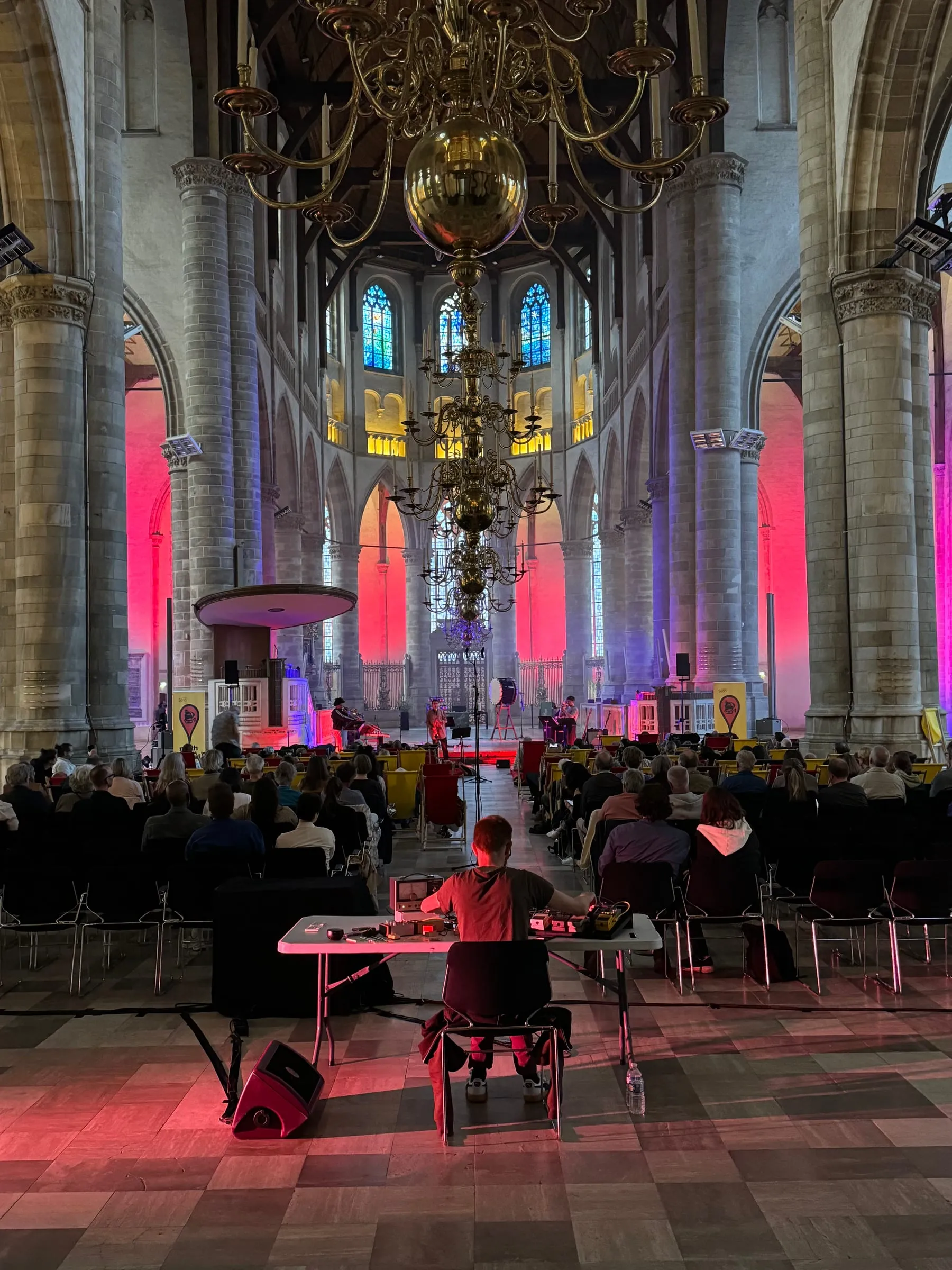
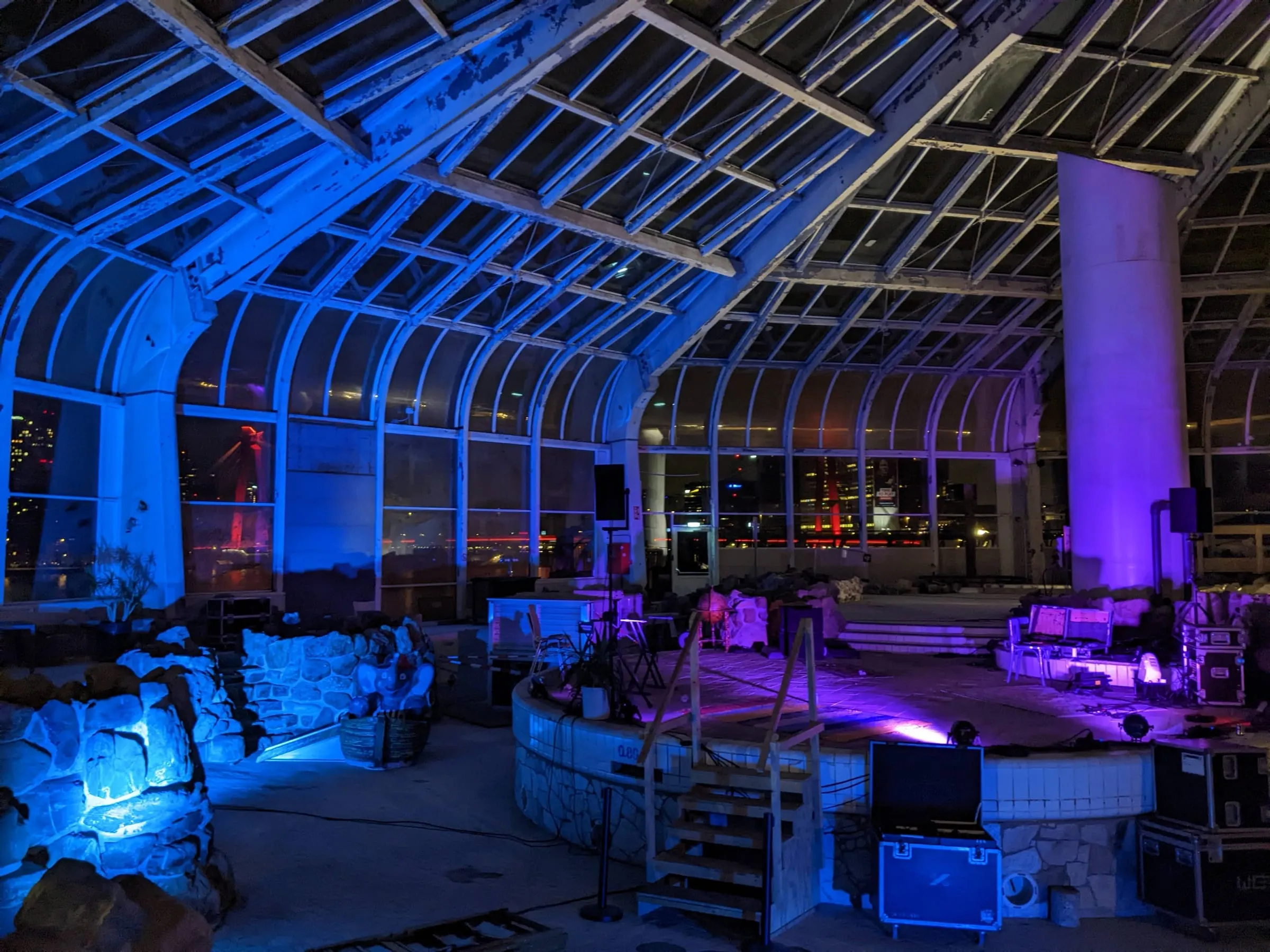
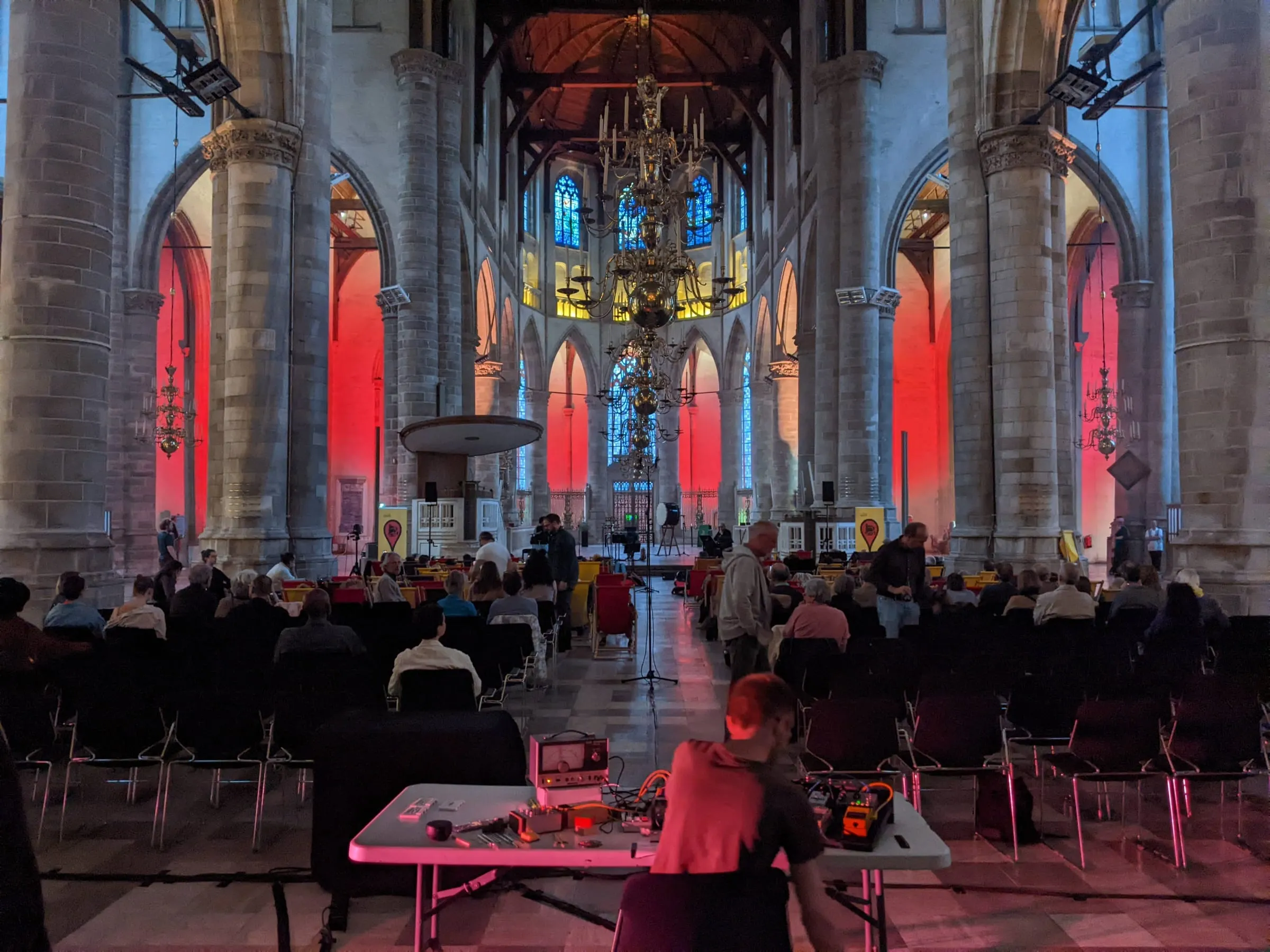
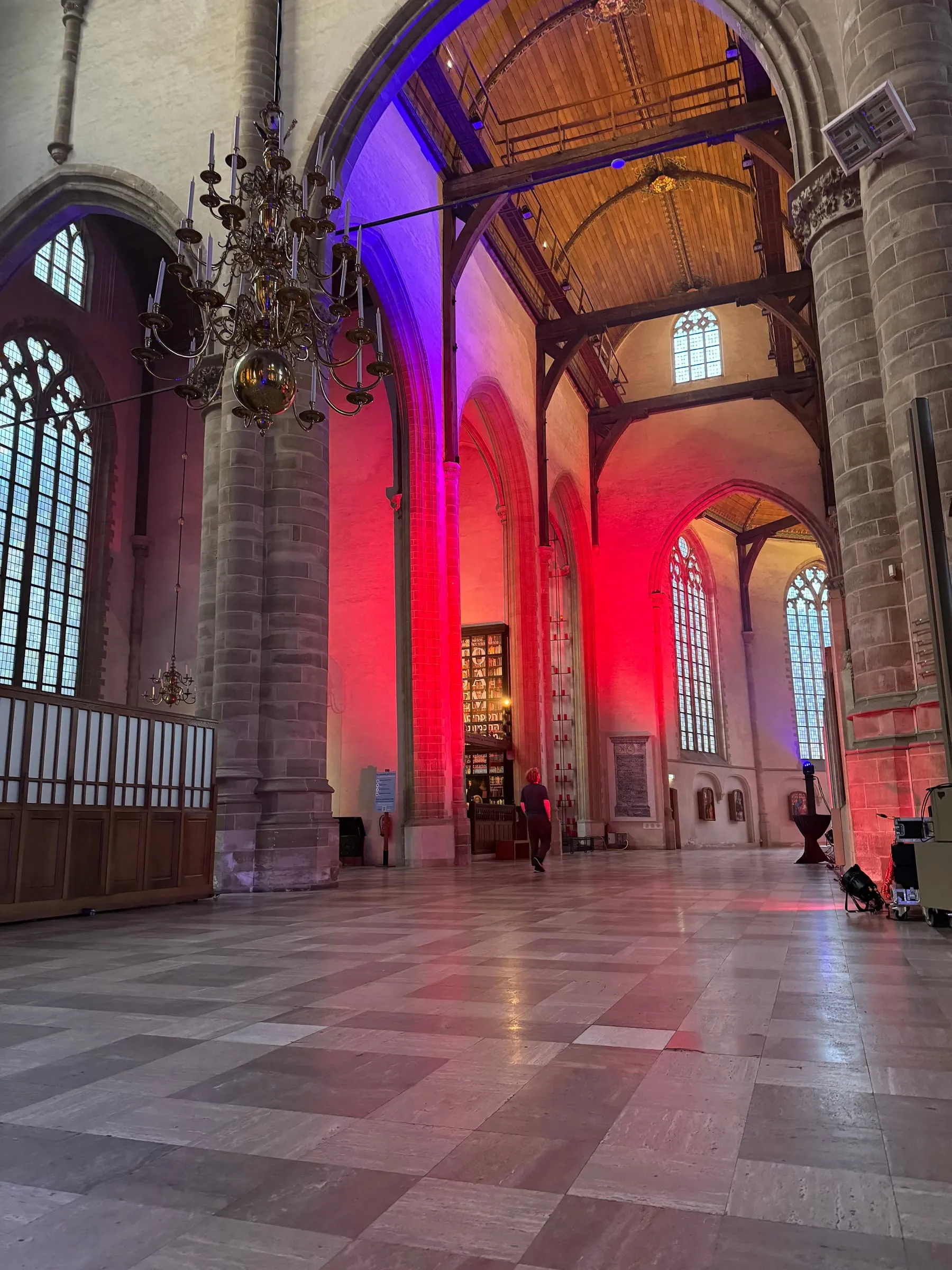
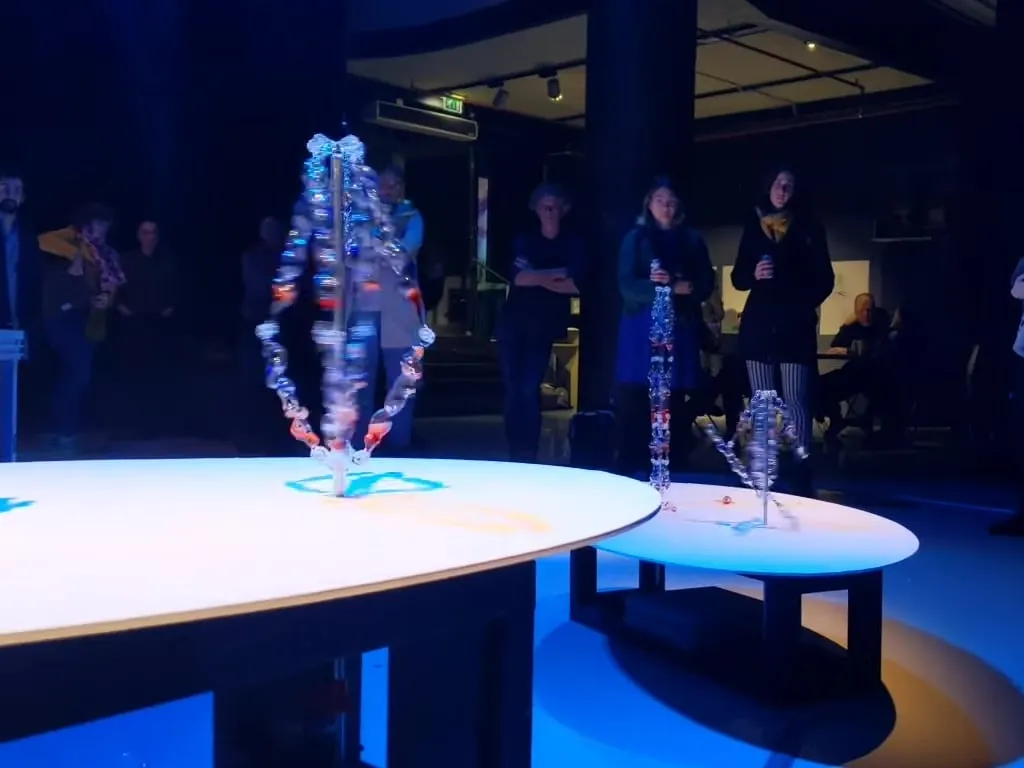
Our own lighting work: Bonsai Panda in the Armeniuskerk
Today: rebuilt in
Plots and drawings Vectorworks · Capture · WYSIWYG
Spreadsheets Equipment lists · quotes
Riders and briefs PDFs from artists and clients
Rental system Stock · availability
Email and chat Changes · call times
One source of truthShows · gear · crewEntered once, checked once
Generated, every time
Quotes From the rider and your stock
Patch & cable lists From the plot, every revision
Call sheets One version for the whole crew
Handover files Drawings, settings, manuals
Today the same information is rebuilt in plots, spreadsheets, riders, the rental system and email. With one source of truth it is entered once, and quotes, patch and cable lists, call sheets and handover files are generated from it.
Your work
What do you produce?
Pick what fits and jump straight to the examples for your kind of work.
It's rarely the show. It's the lists, quotes and messages around it, rebuilt for every gig, tour and install.
01
You rebuild the same lists every gig
Equipment, patch and cable lists start from the last show's spreadsheet and get edited by hand until they almost match the plot.
02
You read riders line by line
Every rider and technical brief is checked against your stock and the venue by someone reading a PDF.
03
A quote costs you an evening
Gear, crew, transport and days priced by hand, and again when the client moves the date or changes the stage.
04
Crew planning lives in a group chat
Who's on which call, at what time, in which van — scattered across messages and one person's head.
05
Changes don't reach everyone
The plot changed on Tuesday. The cable list, the truck pack and the call sheet didn't.
06
Handover is a scramble
Installs end with drawings, settings and manuals collected at the last minute, if at all.
Before you build anything
What can you automate?
Think of one task in your company and tick what's true. Frequent, repeatable work on digital information is where software pays back fastest — and we'll tell you what we'd do about it.
Score 0 of 9
Probably not worth software yetA rare or one-off task seldom pays back.What we'd do: We'll tell you honestly. Often a better checklist is all it needs.
A smart templateRepetitive enough that nobody should start from a blank sheet.What we'd do: We set up templates that fill themselves from your show data, so every list starts mostly done.
A script or small automationFrequent and rule-based: exactly what software is good at.What we'd do: We write the script, import or generator around the tools you already use — your plots, your rental system, your spreadsheets. Usually the quickest win.
A proper toolThis is where production companies get days back every month.What we'd do: We build you a private platform: one source of truth for shows, gear and crew, with every document generated from it.
How much could you save?
Your own numbers, for one repetitive task.
Hours back per year
184
Working weeks
4.6
Internal cost freed per year
€6,440
What fits
A proper tool
Weeks of your team's time every year. Worth one source of truth.
Counted over 46 working weeks and 40-hour weeks. This is your estimate of your own process, not a promise; the process review replaces it with a measured number.
How often × how long
Every task in your company sits somewhere on this grid. Wherever yours lands, there's something we can do — except the bottom left, where we'll tell you to leave it.
Automate firstWe do this We build it for you: a platform or automation that takes it off your desk.
Script itWe do this We write a small script or connection, so it runs without anyone touching it.
Make a templateWe do this We set up a template that fills itself from your show data.
Leave it Not worth software. We'll say so.
Tick the questions above and your task's quadrant lights up.
Make a template
Automate first
Leave it
Script it
1Quote from a rider
2Patch and cable lists
3Crew call sheets
4Rider check
5Venue install tender
6Install handover file
7Year-end stock count
How often it happens →Time it takes each time →
Quote from a rider
Patch and cable lists
Crew call sheets
Rider check
Venue install tender
Install handover file
Year-end stock count
What we build
Four ways we can help your company
Most companies need a mix. We start with the smallest thing that gives you back the most hours.
Automation
Scripts and connections between the tools you already have.
· Exports from Vectorworks, Capture or WYSIWYG into your lists
· Quotes, pick lists and call sheets in your layout: PDF, Excel
· Connections to rental systems such as Rentman, Current RMS or Flex
· Hand-offs between apps with Make, n8n or Power Automate
Platforms
A private web app with one database for shows, gear and crew, and every document generated from it.
· Show files with the plot, lists and crew in one place
· Revisions per show, with what changed since the last version
· A crew portal with call times, maps and the latest files
· Your identity, not a generic dashboard
AI
Reading, checking and drafting — with your crew chief checking the result.
· Riders and briefs read and checked against your stock
· Plain-language search across past shows and quotes
· Show reports and incident notes turned into actions
· EU-hosted models, or local models on your own server
Analysis
Dashboards and reports from your shows, gear, hours and budgets.
· Margin per show, per client and per gear category
· Utilisation: what earns and what sits in the warehouse
· Crew hours and overtime against budget
· Supplier quotes compared item by item
Use cases
Examples for your work
Real processes from production companies, and what software does with them. Pick your field; company-wide examples apply to everyone.
Lighting & stage Platforms
Patch and cable lists from the plot
Fixtures, addresses and cable runs read from your plot. Patch sheets, cable lists and labels are generated, and regenerated when the plot changes.
Replaces · Retyping the plot into spreadsheets after every change
Vectorworks
Capture
WYSIWYG
MVR
Excel
Lighting & stage Automation
Fixture data without retyping
Modes, channel counts and power draw pulled from GDTF files and manufacturer data into your lists and power plans.
Replaces · Looking up DMX charts and wattages one by one
GDTF
MVR
Manufacturer PDFs
Lighting & stage Analysis
Power per phase, checked
Load per phase and per distro calculated from the patch, with a warning before a circuit is overloaded.
Replaces · Adding up wattages on a calculator
Patch
GDTF
Excel
AV installation Platforms
A handover file per install
Drawings, device lists, IP addresses, settings and manuals gathered per room into one handover file the client can actually use.
Replaces · Collecting PDFs at the end of the job
AutoCAD
Visio
Excel
PDF
AV installation Automation
Rack and cable schedules
Cable numbers, labels and rack layouts generated from one device list, so drawings and schedules can't disagree.
Replaces · Keeping drawings and schedules in sync by hand
AutoCAD
Visio
Excel
AV installation AI
Tender documents, read for you
Requirements and quantities pulled from a tender or specification into a checklist and a first quote, with every line linked to its source page.
Replaces · Reading 80 pages to find what's asked
PDF
Word
Excel
Rental Automation
Quotes from riders
A rider or equipment list goes in. A quote comes out with your stock, prices, days and transport, ready for you to check.
Replaces · Pricing every line by hand
Rentman
Current RMS
Flex
PDF
Rental Analysis
What earns and what sits
Utilisation and revenue per item and category, so you know what to buy, sub-hire or sell.
Replaces · Gut feeling at budget time
Rental system export
Excel
Dashboard
Event agencies Platforms
One production book per event
Run sheet, suppliers, floor plans, contacts and timings in one place, exported as the production book everyone works from.
Replaces · A folder of versions and a group chat
Excel
Google Sheets
PDF
Event agencies AI
Supplier quotes, compared
Quotes from suppliers read and lined up item by item, with gaps and price differences highlighted.
Replaces · Side-by-side PDFs and a calculator
PDF
Excel
Venues Automation
Riders checked against your house spec
Incoming riders compared with your house rig and stage, with a list of what's missing or needs hiring.
Replaces · Reading every rider against the tech spec
PDF
House spec
Email
Venues Analysis
Hours and costs per production
Crew hours, overtime and costs per show in one view, so overruns show while there's still time to act.
Replaces · Finding out when the invoices arrive
Planning tool
Excel
Dashboard
Company-wide Platforms
Crew planning and call sheets
Who works which show, when and where, with call sheets sent automatically and changes reaching everyone.
Replaces · Group chats and one person's memory
Calendar
Email
SMS
Company-wide AI
Search across past shows
Ask which show used that truss setup, which venue had that power issue, or what you quoted last year — with links to the files.
Replaces · Asking the colleague who remembers
Server folders
PDF
Email
Company-wide Analysis
Margin per show
Quoted against actual hours, gear and transport per show and per client.
Replaces · Finding out at year-end
Accounting export
Rental system
Excel
Company-wide examples are shown with every field.
Your stack
Built around the software you already use
You don't have to replace anything. We connect through exports, file formats, APIs and scripts, so your plotting tool stays your plotting tool and your rental system stays your rental system.
Design and previsualisation
Vectorworks Spotlight
Capture
WYSIWYG
AutoCAD
SketchUp
Blender
Show data and control
MVR
GDTF
DMX / Art-Net / sACN
grandMA
ETC Eos
QLab
Rental and planning
Rentman
Current RMS
Flex
Excel
Google Sheets
Airtable
Documents
PDF
Word
Visio
InDesign
PowerPoint
Notion
Automation
Python
Node.js
Make
n8n
Power Automate
Zapier
AI
Mistral (EU)
Gemini on Vertex AI (EU region)
Claude
Local models via Ollama
Worked example
From the rig to the running show, without retyping
How we approach it, drawn from our own stage work and Vaib, our AI lighting platform. Not a client project.
Before
Every show starts with the plot in one tool, the patch in a spreadsheet, the cable list in another, and the desk programmed by hand from all three.
1
Start from one real show
We walk one recent production from rider to get-out and mark every list that gets retyped.
2
One record of the rig
Fixtures, modes, addresses and positions held once, read from the plot or the venue's house rig.
3
Lists generated
Patch sheets, cable lists, labels and power per phase come out of that record, in your layout.
4
AI where it earns its place
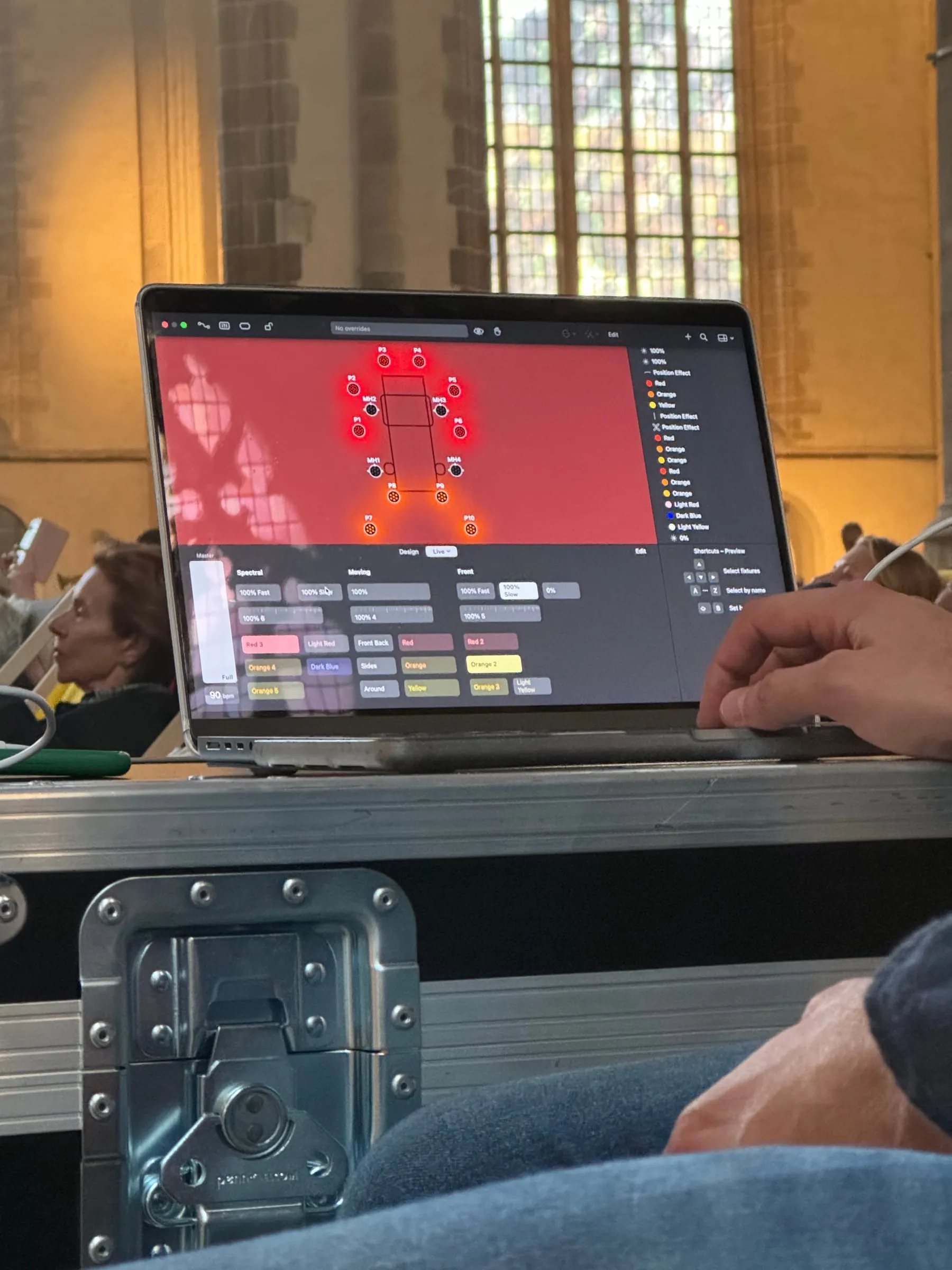
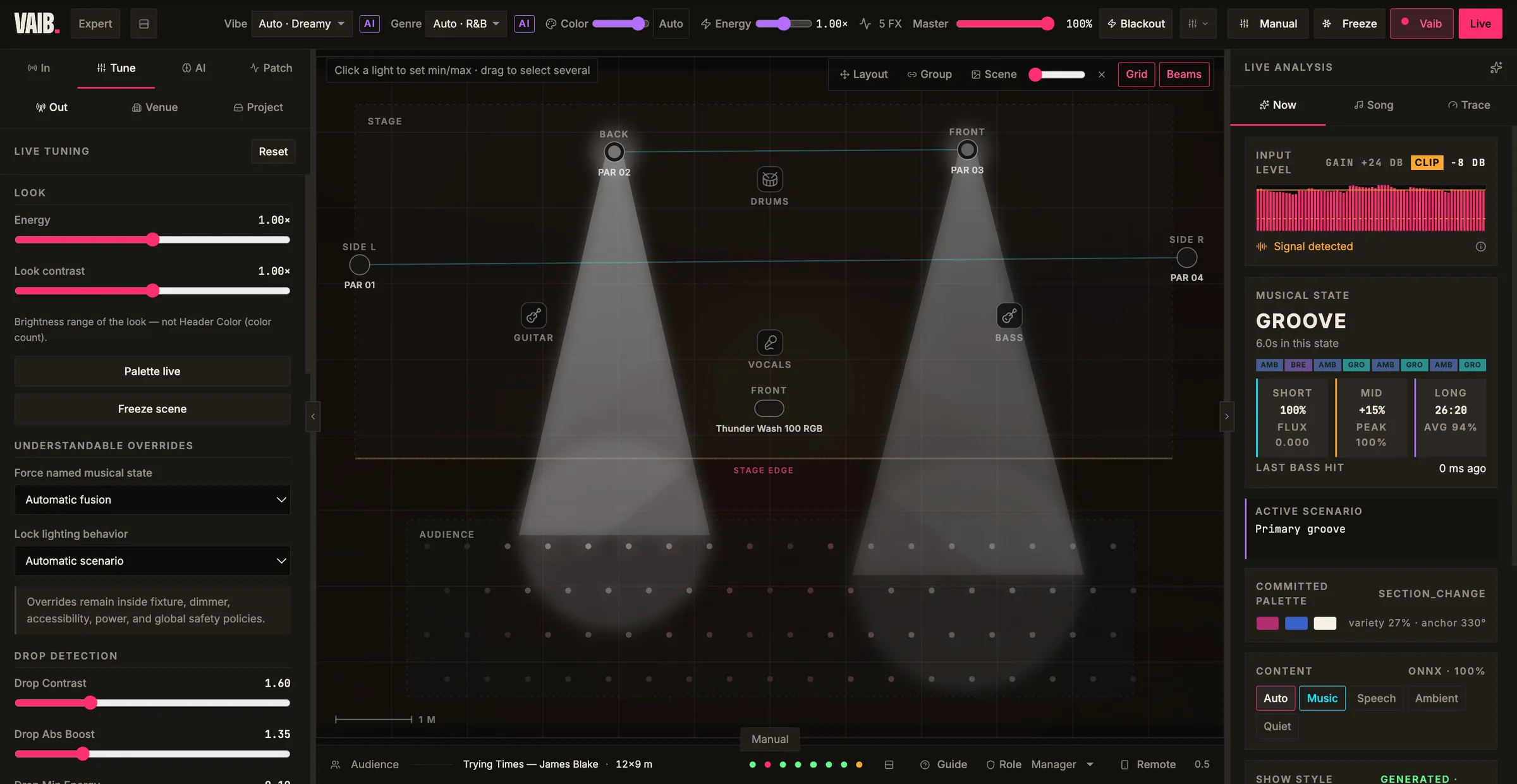
In Vaib, the software learns the actual rig in the room and lights the show live. Most companies start smaller: AI that reads riders and drafts the quote.
5
Changes go everywhere
Move a fixture and every list, label and plan follows. The crew get the latest version, not last week's PDF.
After
The plot stays the plot. Everything that was retyped, recounted or re-sent comes from one place.
Data and security
Your data stays yours
Client budgets, artist riders and unannounced shows are confidential. The setup reflects that from the first line of code.
EU hosting
A dedicated server in the EU, or your own office server.
No training on your data
AI providers configured for zero retention and contractually barred from training on it.
Local AI when it matters
Confidential shows processed by open models on your own hardware. Nothing leaves your building.
You own it
Source code, data and documents are yours, with exports in CSV, Excel and JSON at any time.
Process
How we'd work with you
Nothing is built that you haven't seen first.
01
Process review
We follow one of your real shows or installs from start to finish and map where your hours go. You get a clear scope and price before anything is built.
02
Clickable prototype
Every screen and your document layouts, clicked through together and changed before any code is written.
03
Build in blocks
Short build blocks, each ending in a review where your own files go through the real thing.
04
Handover
Training, user and admin guides, the source code and your data. Small changes stay easy afterwards.
Typical timelines, in weeks
Process review1–4 weeks
A focused AI tool or automation4–12 weeks
A company platform6–14 weeks
Typical ranges from our service pages, not commitments. The process review gives you the real number.
Background
Built by people who run shows themselves
Hola Studio lights concerts, theatre and festivals, and built Vaib, the first AI lighting design platform. Patch sheets, riders and get-outs are our own late nights — we speak your language.
Clients includeNorth Sea Round Town · Batafest · Museum Boijmans Van Beuningen
FAQ
Questions you might have
Do we have to stop using Rentman, Vectorworks or our spreadsheets?
No. Your plotting tool and rental system keep doing what they're good at. We connect to them through exports, file formats, APIs and scripts, and move only the retyping, checking and document work.
Is our client and artist data used to train AI models?
No. We use EU-hosted AI with zero retention and no training on your data, and for confidential shows the AI can run entirely on your own server.
Can it run on our own server?
Yes. A platform can be hosted on a dedicated EU server in your name, or on the server already in your office, with local AI models for confidential work.
We're a small crew. Is it worth it?
Often the first win is small: one script that turns a rider into a quote, or one generated patch sheet that saves an evening per show. Use the check on this page; if a task is frequent, repeatable and already digital, it's usually worth a conversation.
What does it cost?
We don't publish prices, because scope decides it. The process review maps one of your real shows or installs and ends with a clear scope and price before anything is built.
How long does it take?
Typically 1–4 weeks for a process review, 4–12 weeks for a focused AI tool or automation, and 6–14 weeks for a company platform.
Who owns the software?
You do. You receive the source code, the data and the infrastructure accounts, with no lock-in.
Do you know how a show actually runs?
Yes. We light concerts, theatre and festivals ourselves, and we build Vaib, an AI lighting platform tested at live concerts. We've been the person at the desk at two in the morning.
Bring one show. We'll show you where your hours go.
Tell us how a show or install moves through your company today. We'll tell you honestly what's worth automating, and what isn't.
Hola — I'm Ola. I know how the studio works: what we build, how we scope
it, and what engagements usually cost.
Ask me anything, or tell me what you're trying to make.
A quick, honest question
We would like to use Google Analytics to see which work people actually
read. It sets cookies and shares your visit with Google, so we are not
turning it on unless you say yes. The site behaves identically either
way. What we collect.